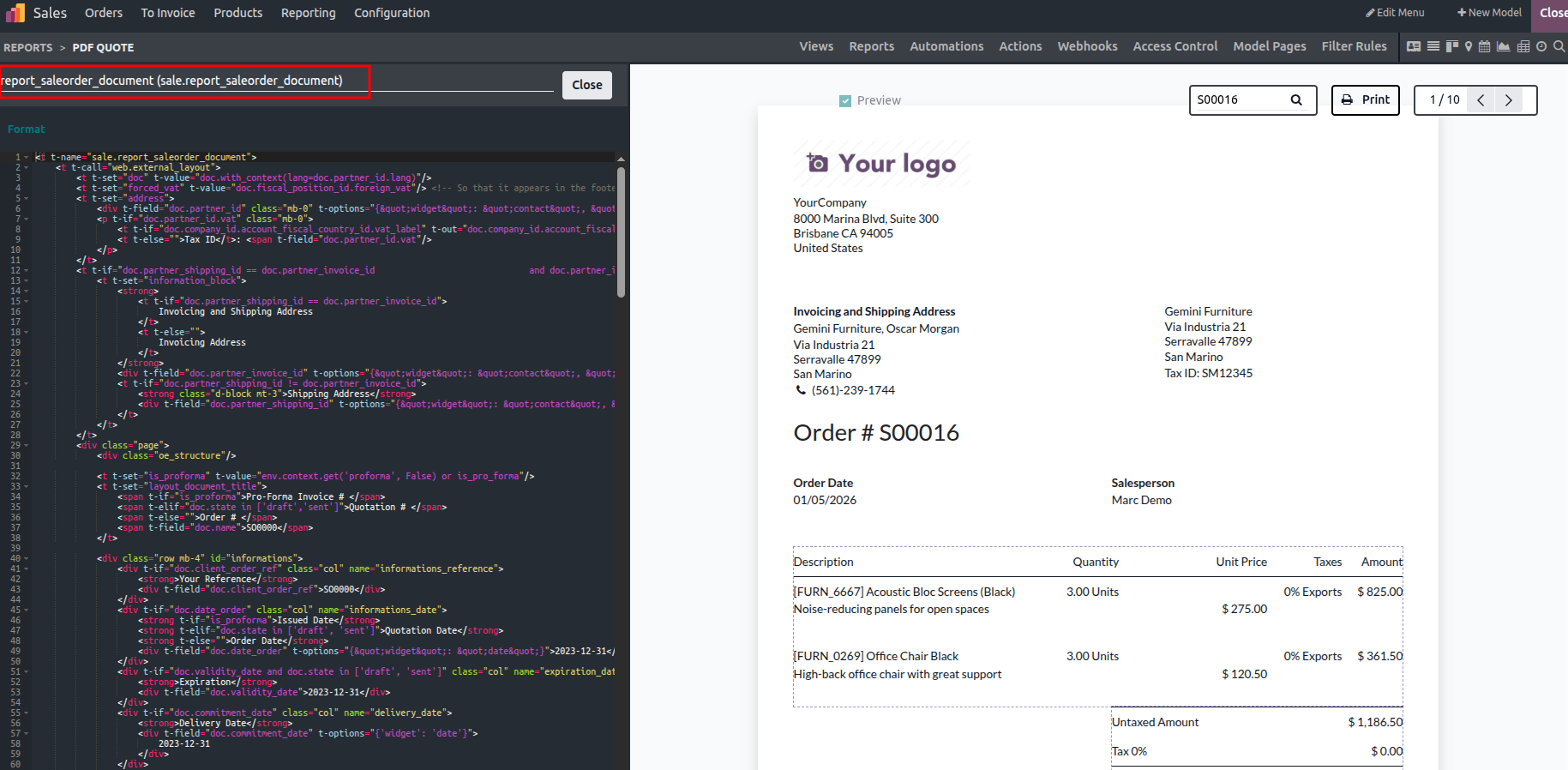
Odoo provides an XML Editor that complements the powerful block-based tools available in the Studio module. While Studio's visual tools are sufficient for building and customizing applications, the XML Editor enables deeper and more advanced customization when complex logic or extended functionality is required.
In today's fast-paced digital environment, automation plays a crucial role in ensuring smooth business operations. By combining the XML Editor with the functional building blocks offered by Odoo Studio, you can effectively automate different aspects of applications-whether they are newly created or modified-thereby improving efficiency and operational consistency.
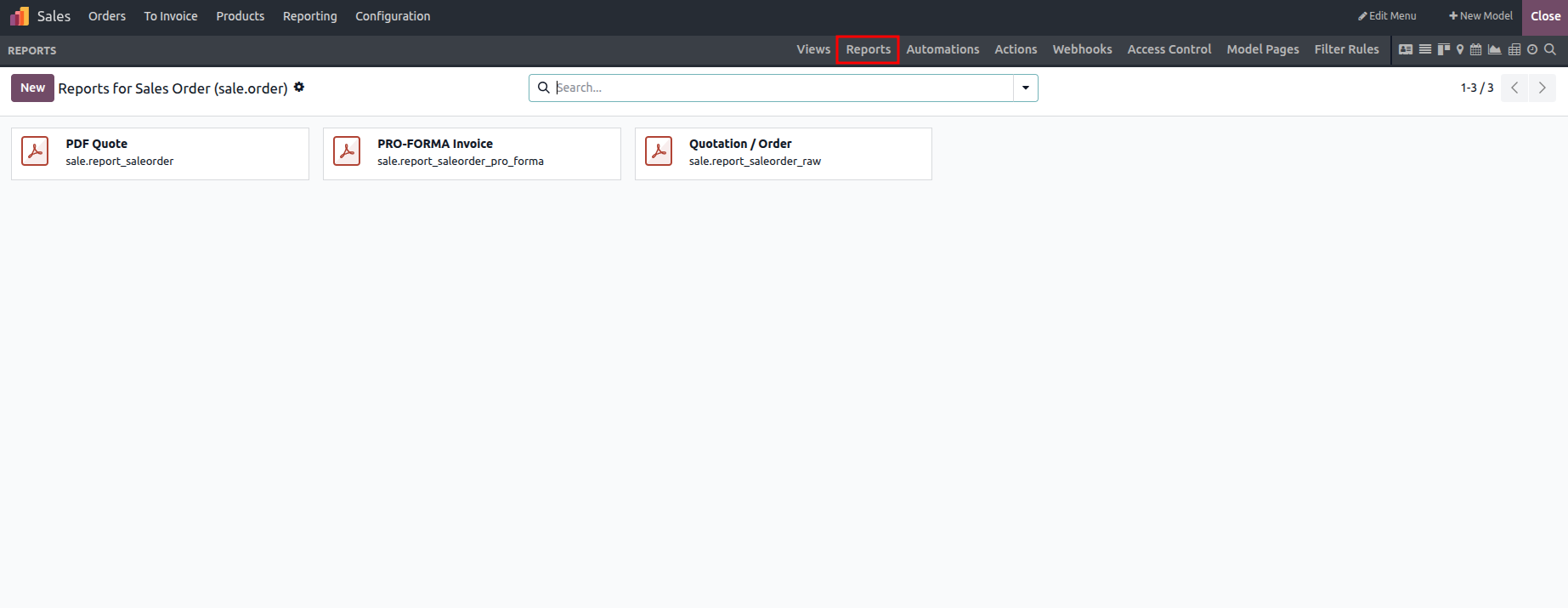
Open the Reports section and select the report that needs to be edited.
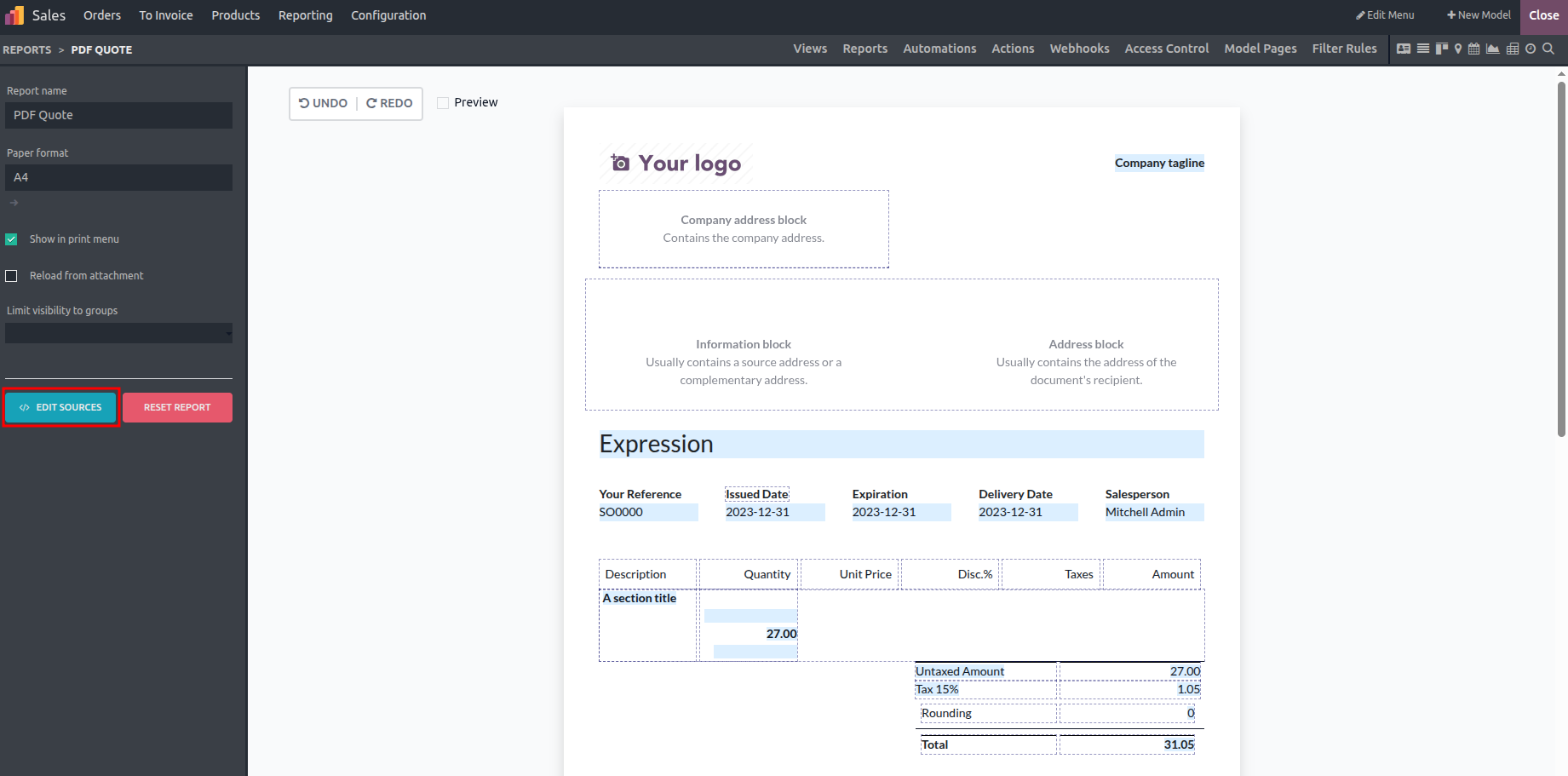
As shown in the image, the highlighted area represents the XML editor. Clicking on it opens a dedicated window where the XML file can be edited.
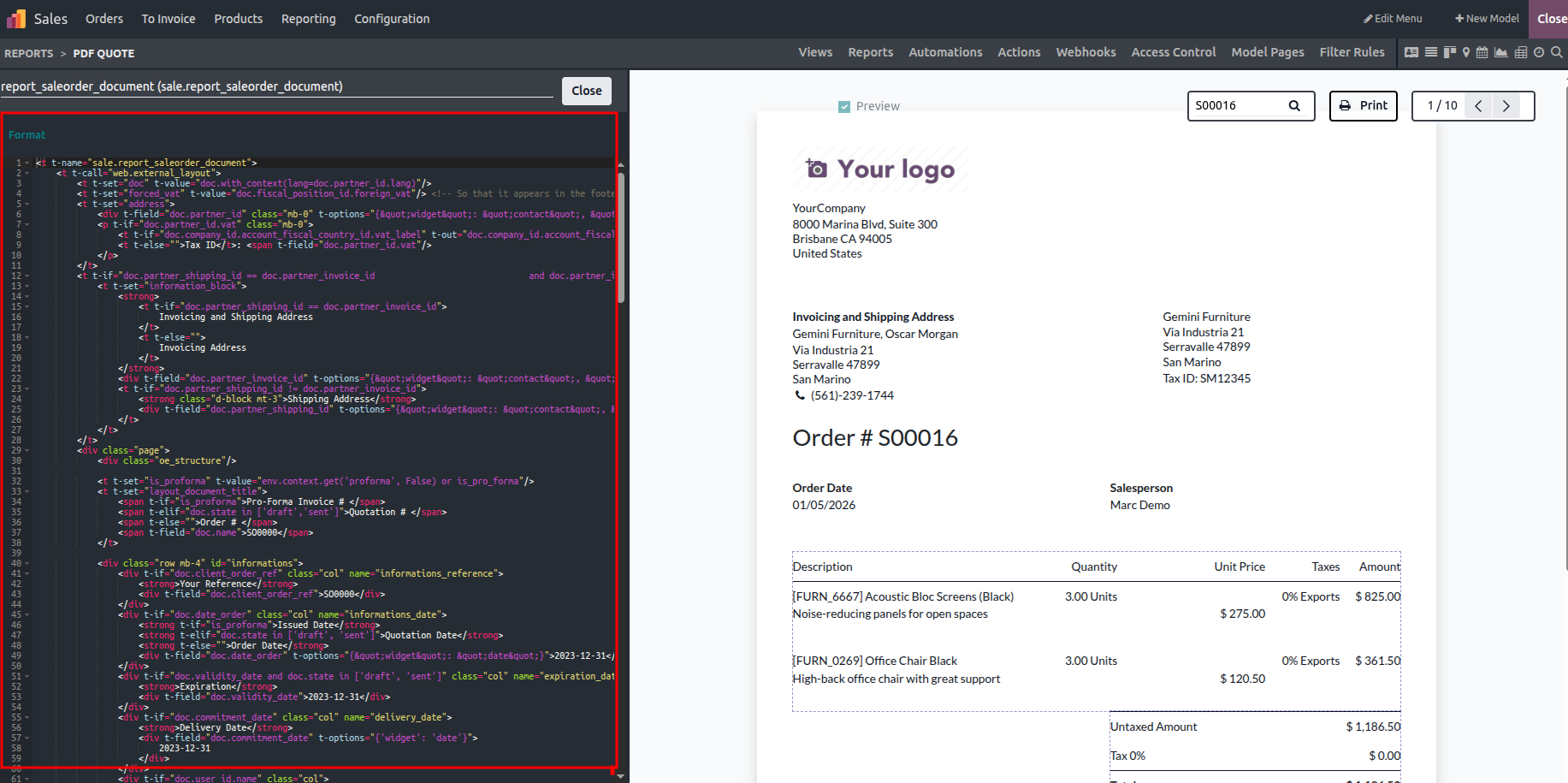
The search box allows you to select report templates. By typing the template name, the corresponding code is displayed in the editing panel, enabling report customization through Studio.