Configuration
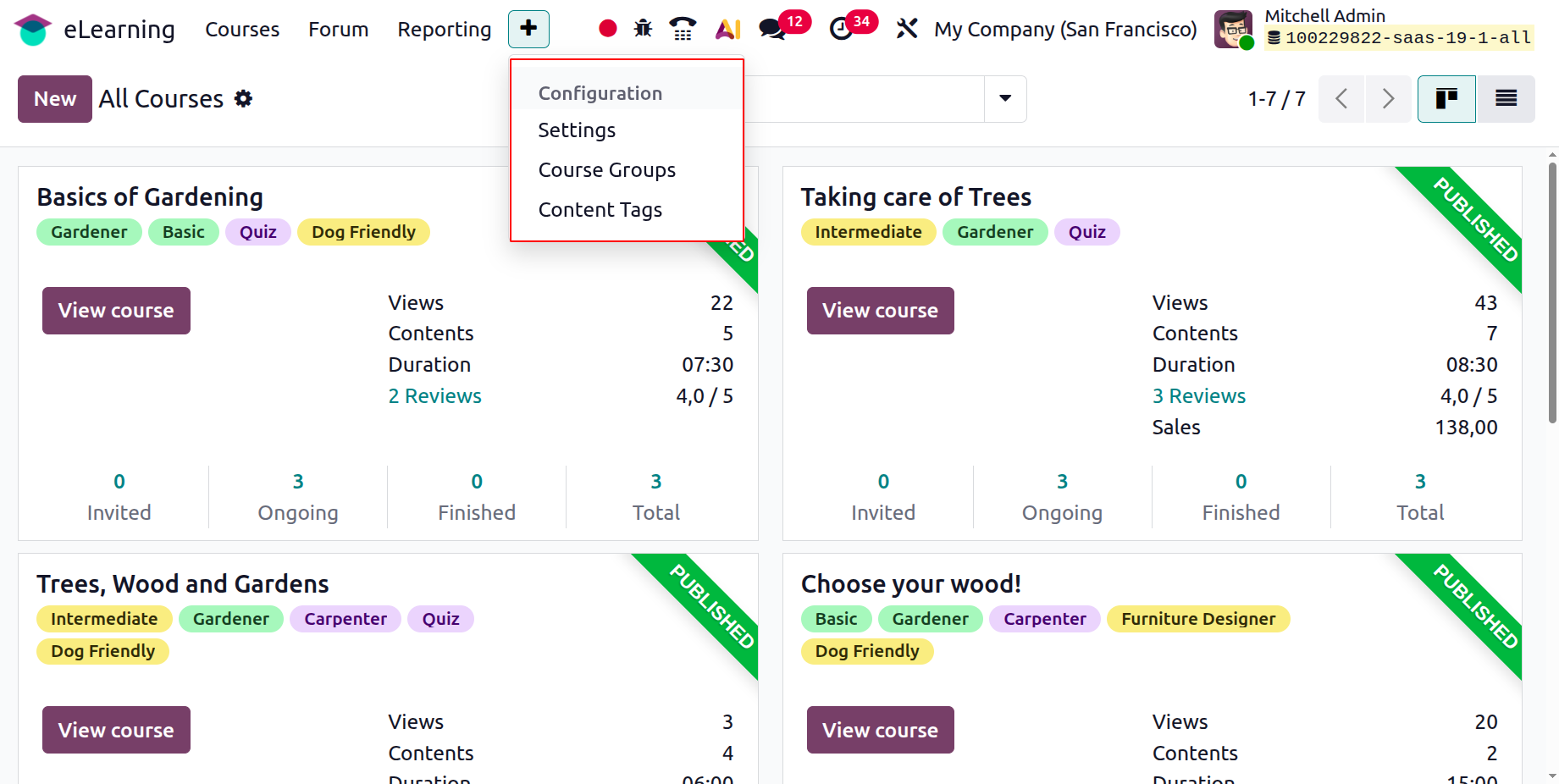
The eLearning module's Configuration page allows users to configure Content Tags and Course Groups. The Configuration contains an extra Settings option.
1.1 Settings
The eLearning's parameters allow for the customization of additional parameters. The first setting is certificates, where users can design various certification programs to evaluate attendees' knowledge and verify their abilities. This option must be enabled before the certification menu appears.
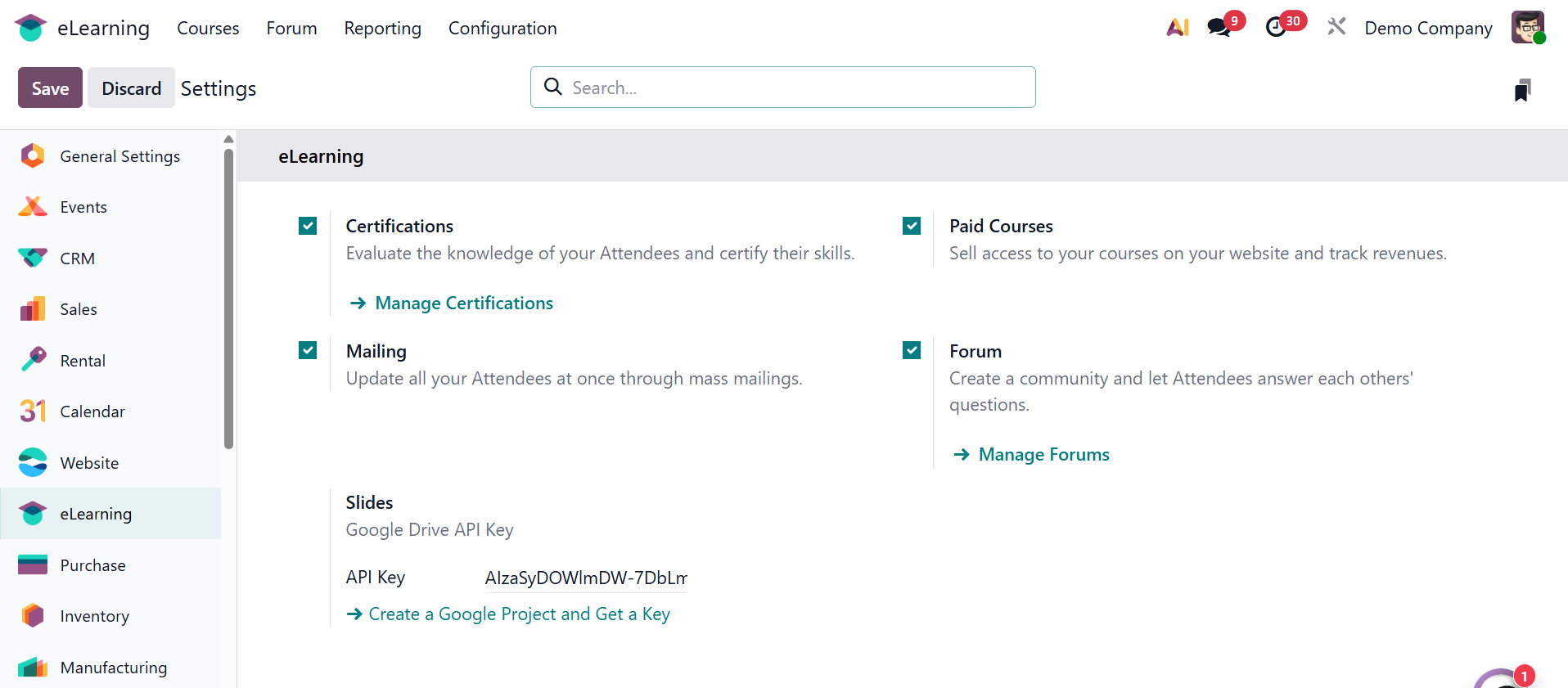
You can assess guests' knowledge and certify their abilities by using the Certifications option. Turn on the Paid Courses option in Settings to sell access to your classes on your website and monitor earnings. All guests can receive updates simultaneously through mass mailings thanks to the Mailing feature. Last but not least, the Forum option promotes community development by allowing participants to respond to one another's inquiries.
1.2 Course Group
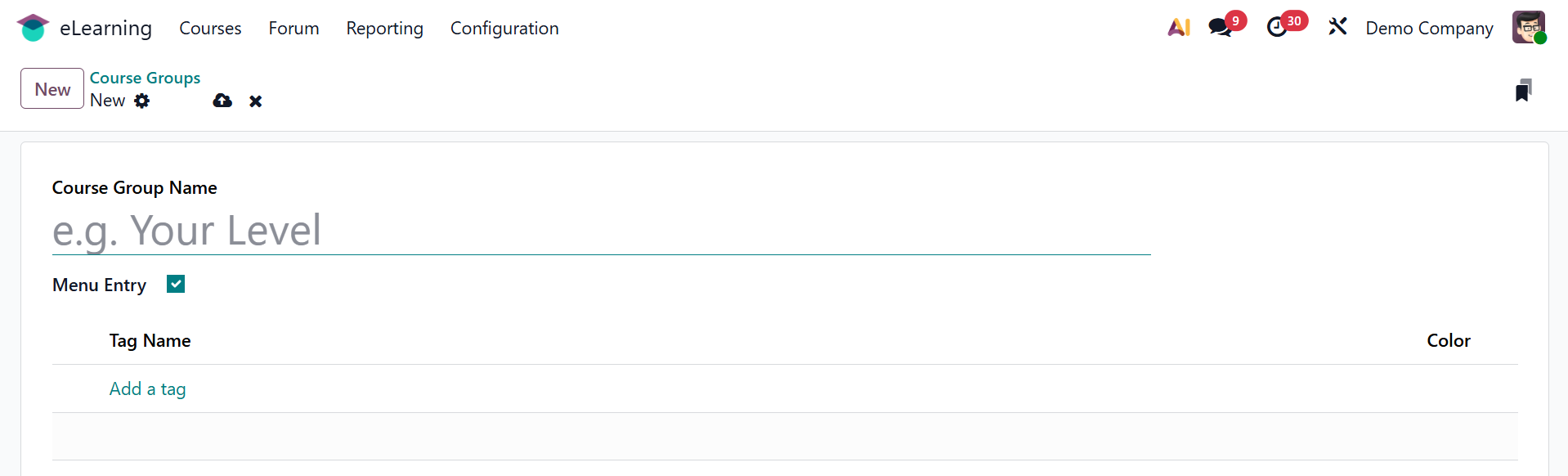
There is a Course Group option in the Configuration. a list view that includes information about the group name, tags, and menu item. Click the New button to start a new one.
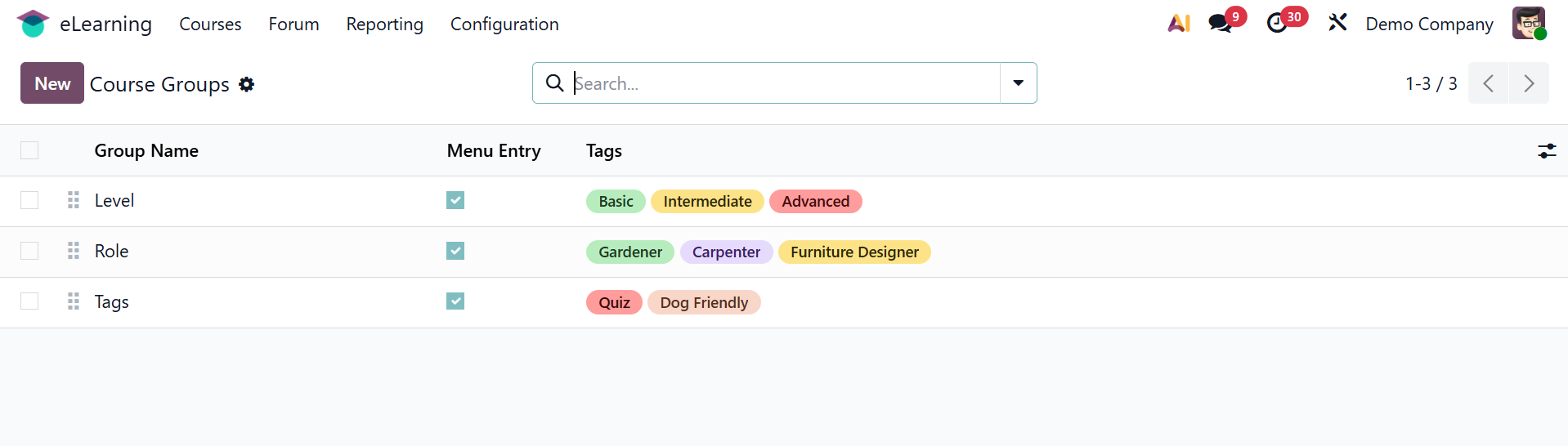
To enable and publish the Menu Entry, provide the Course Group Name. Next, add tags to the relevant tab.
1.3 Content Tags
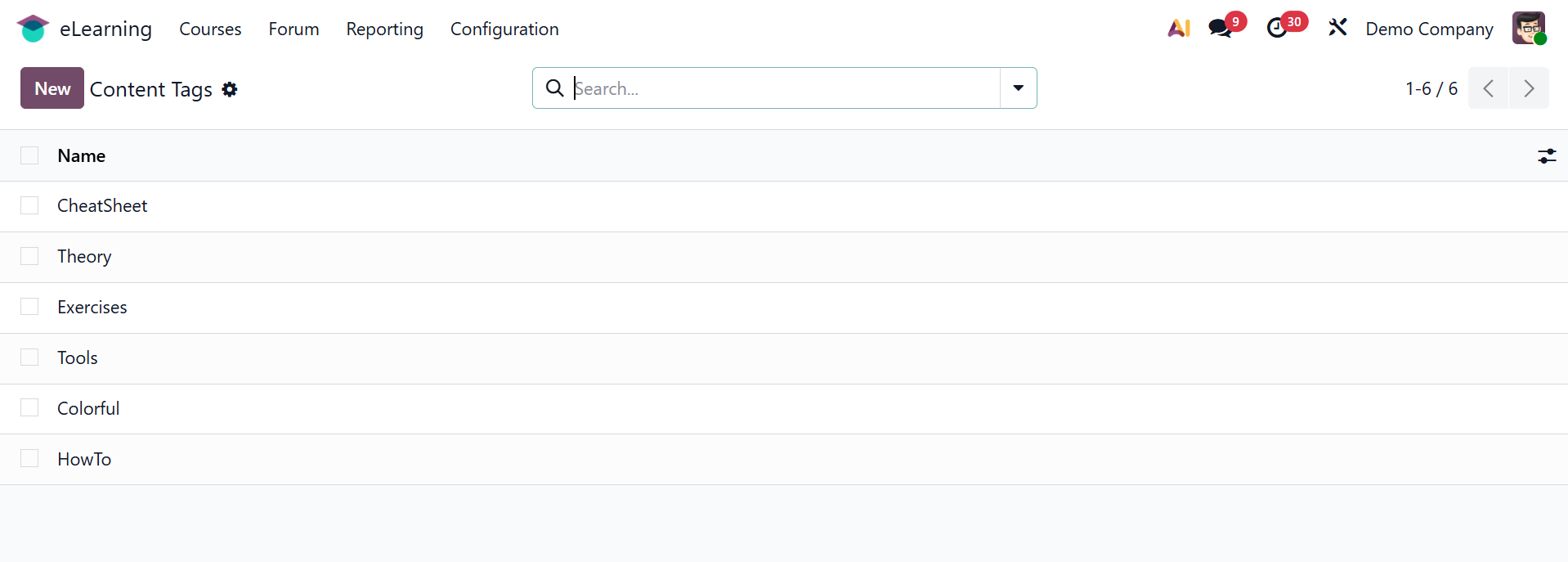
All of the created content tags are included in the list. To make a new one, click the New button. An additional line that is placed beneath the list will mention the new tag name.