Managing Multi-Language Websites
Localization is a key strength of Odoo 19, and the Website module fully supports multilingual website management. Given Odoo’s global user base, the platform emphasizes accessibility by enabling visitors to view website content in their preferred language, significantly improving user experience.
Language-related settings can be managed from the Website module’s Settings page. To configure languages, go to Website → Configuration → Settings and locate the General section. The Languages field displays all currently enabled languages for the selected website.
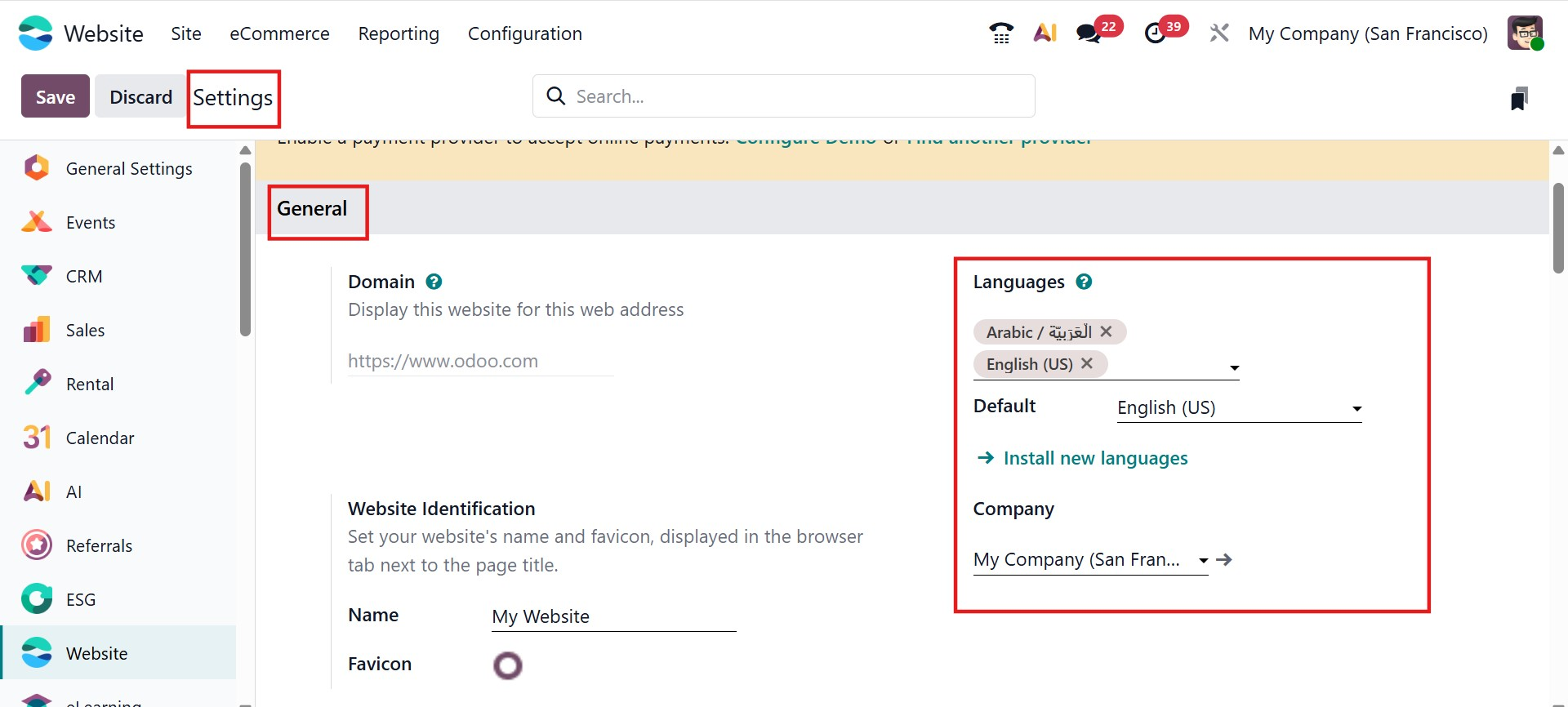
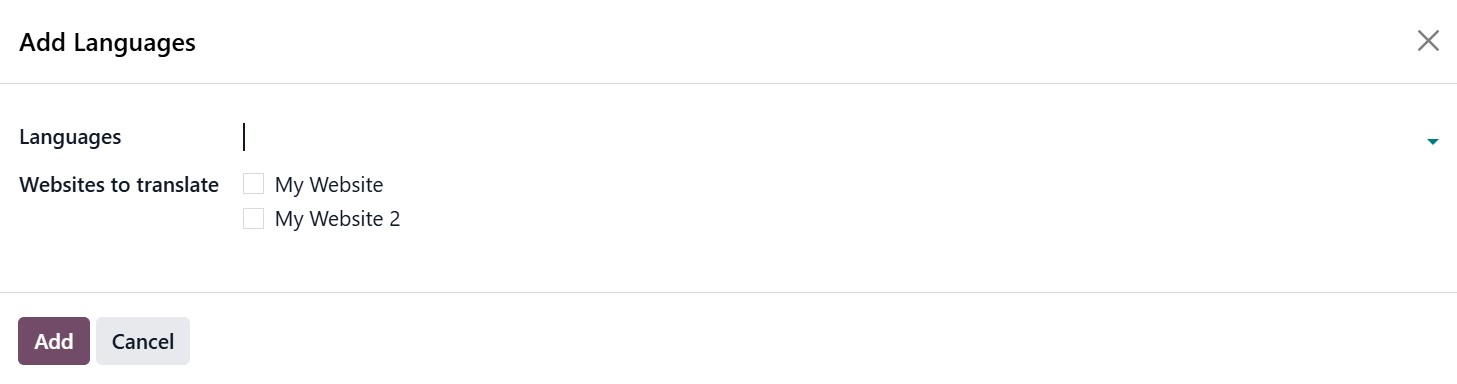
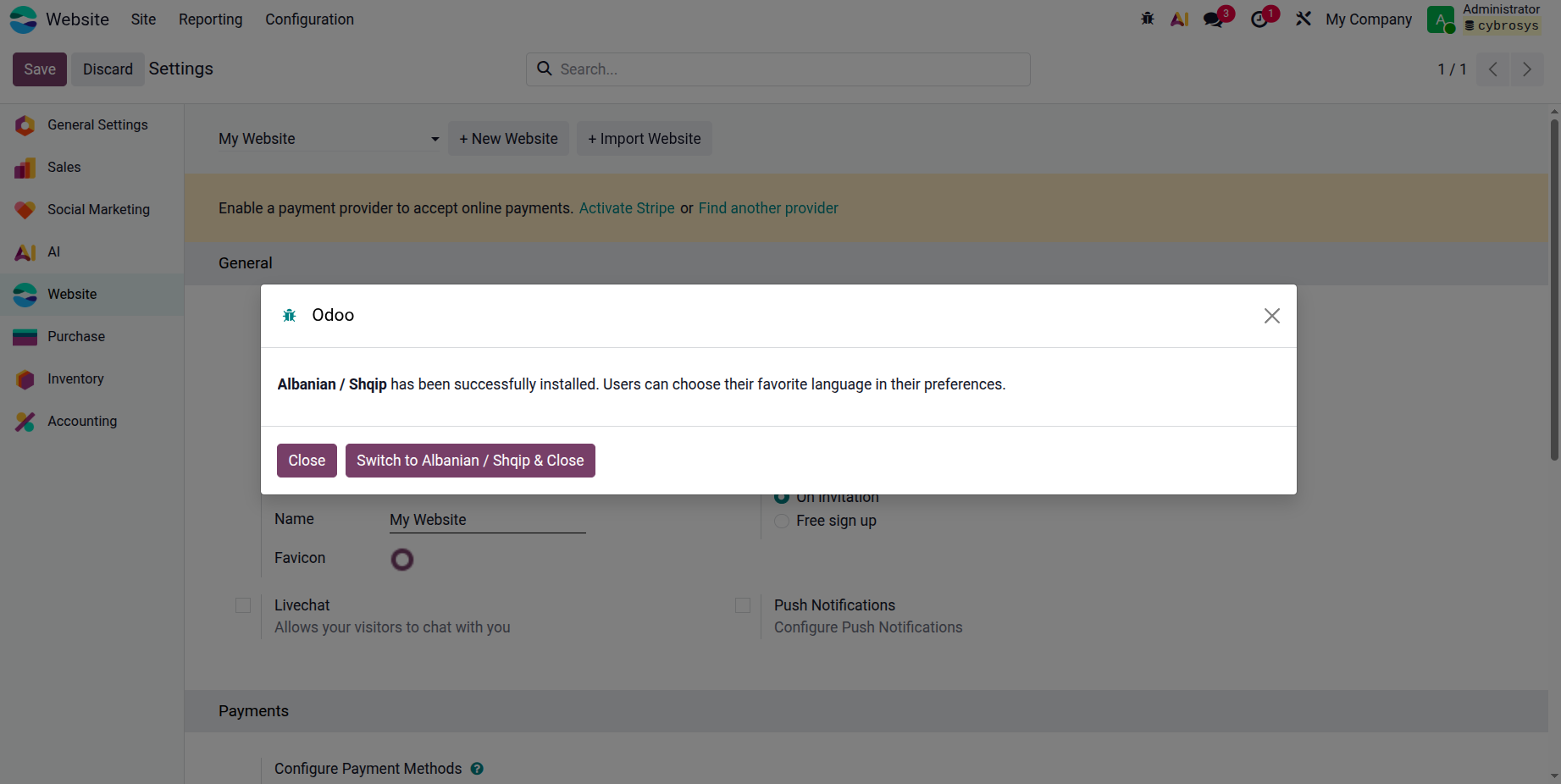
To add new languages, click Install New Languages. A pop-up window will appear, allowing you to select the desired languages from a drop-down list. You can also specify which websites should be translated. After making your selections, click Add to install and activate the languages.
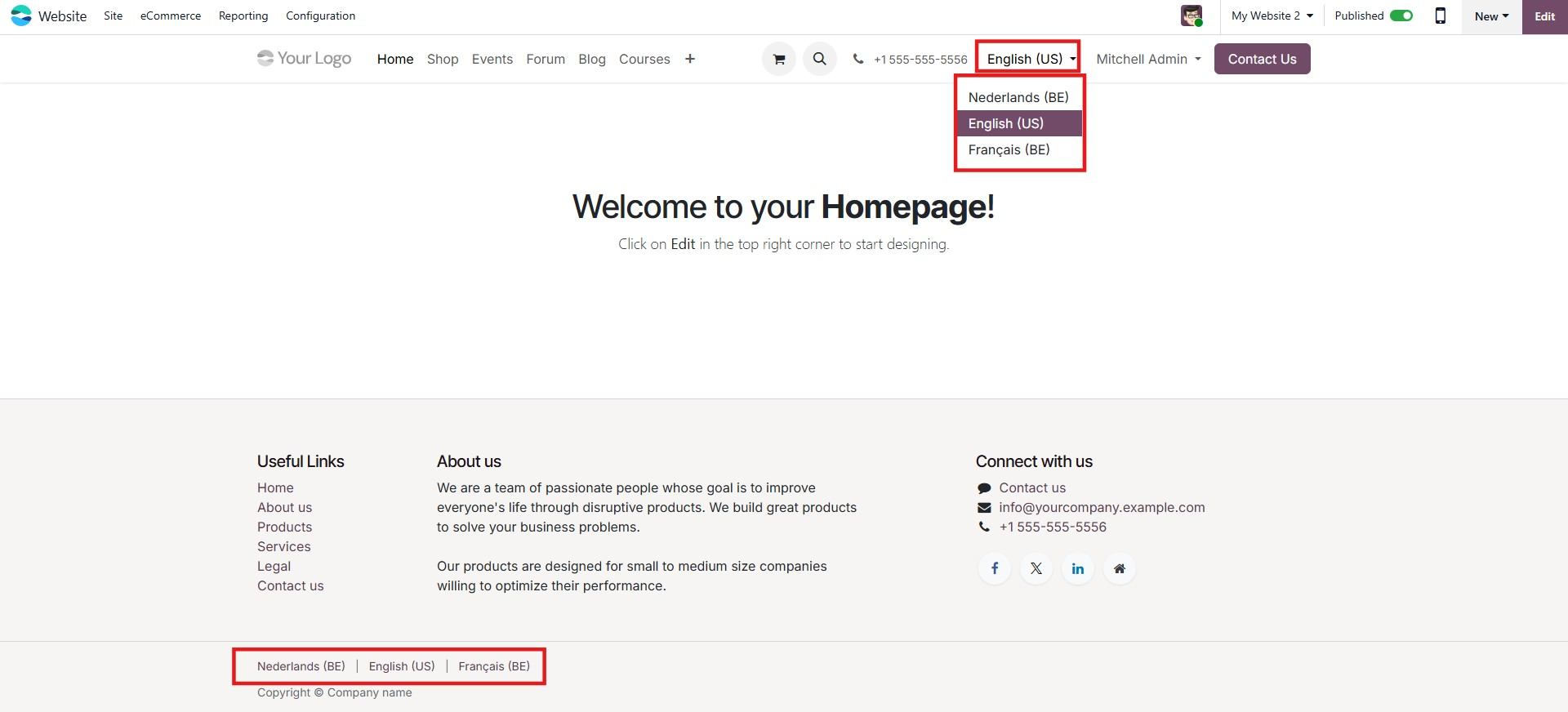
By default, the website is displayed in the language that matches the visitor’s browser settings. If the browser language is not available, the website falls back to the default language. Once multiple languages are installed, visitors can manually select their preferred language using the language selector.
Odoo 19 also allows users to manage language switching directly from the website interface. A language selector is typically displayed in the footer or header, depending on configuration. To customize this selector, open the website in edit mode, select the Copyright or Header block, and choose how the language selector should appear: Dropdown, Inline, or Hidden. Save your changes to apply the configuration.
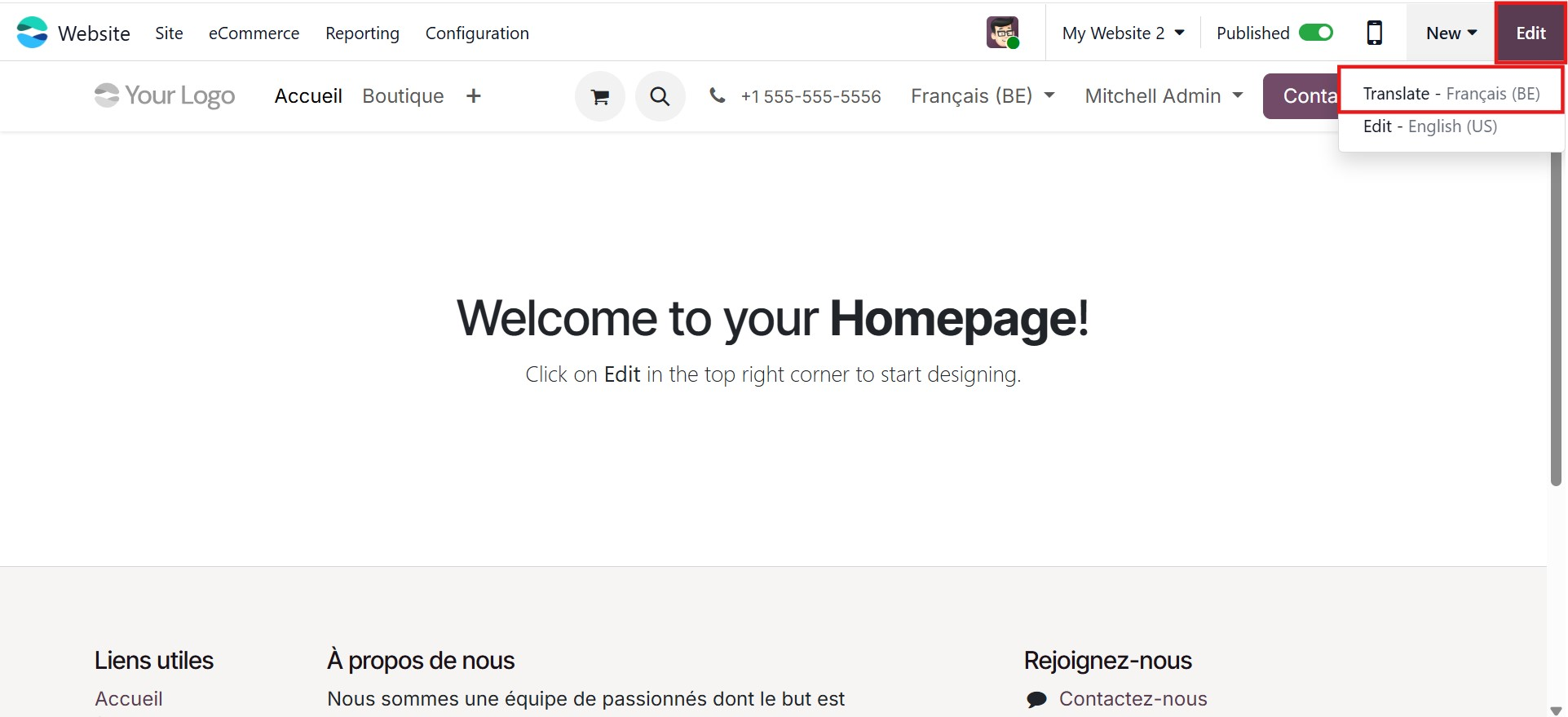
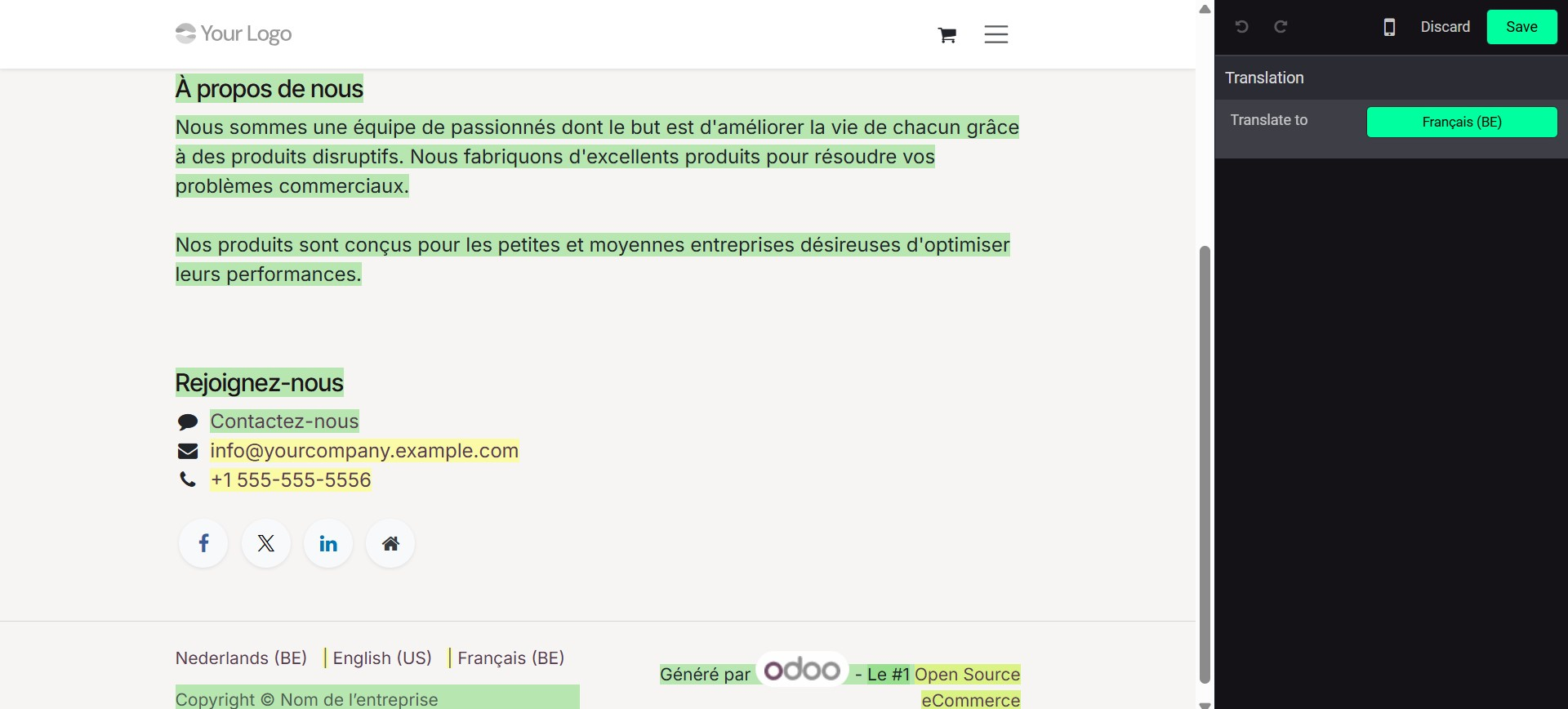
To translate website content, switch to the desired language using the language selector, then click the Translate button located near the edit controls. In translation mode, Odoo automatically translates standard terms while allowing manual translation for custom content. Translated text is highlighted in green, while untranslated text appears in yellow for easy identification.
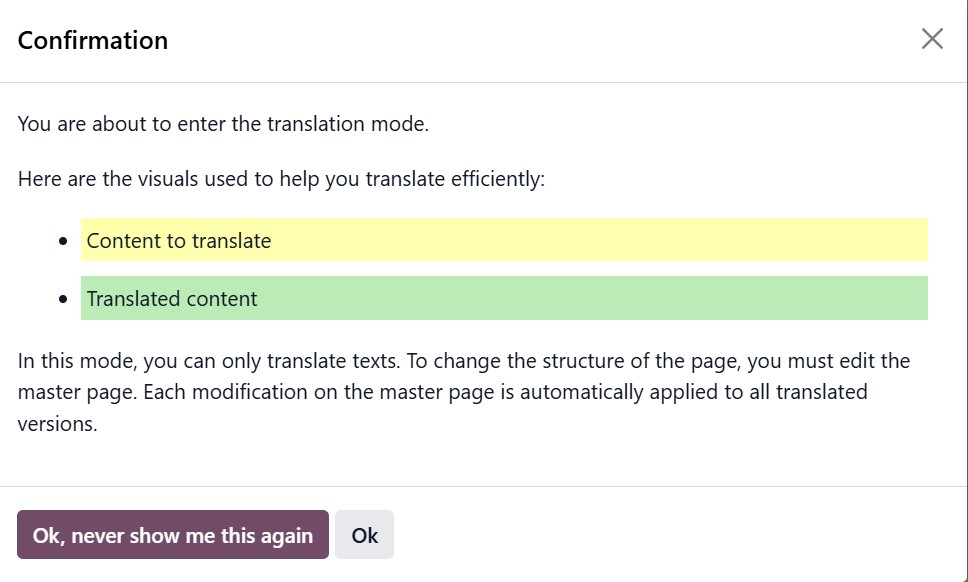
While in translation mode, note that only text content can be translated. Any changes to the structure or layout of the page must be performed on the master page, the version of the page in the original language of the database. Once changes are made to the master page, they will be reflected across all translated versions. To replace the original text with a translation, click on the block containing the content, edit the text needed, and click Save.
With these features, Odoo 19 provides a robust and user-friendly approach to managing multilingual websites, ensuring consistency, accessibility, and ease of maintenance across global audiences.
Now that we have explored how Odoo 19 supports multilingual websites, the next section will focus on creating and managing website pages.