Job Application Process on the Website
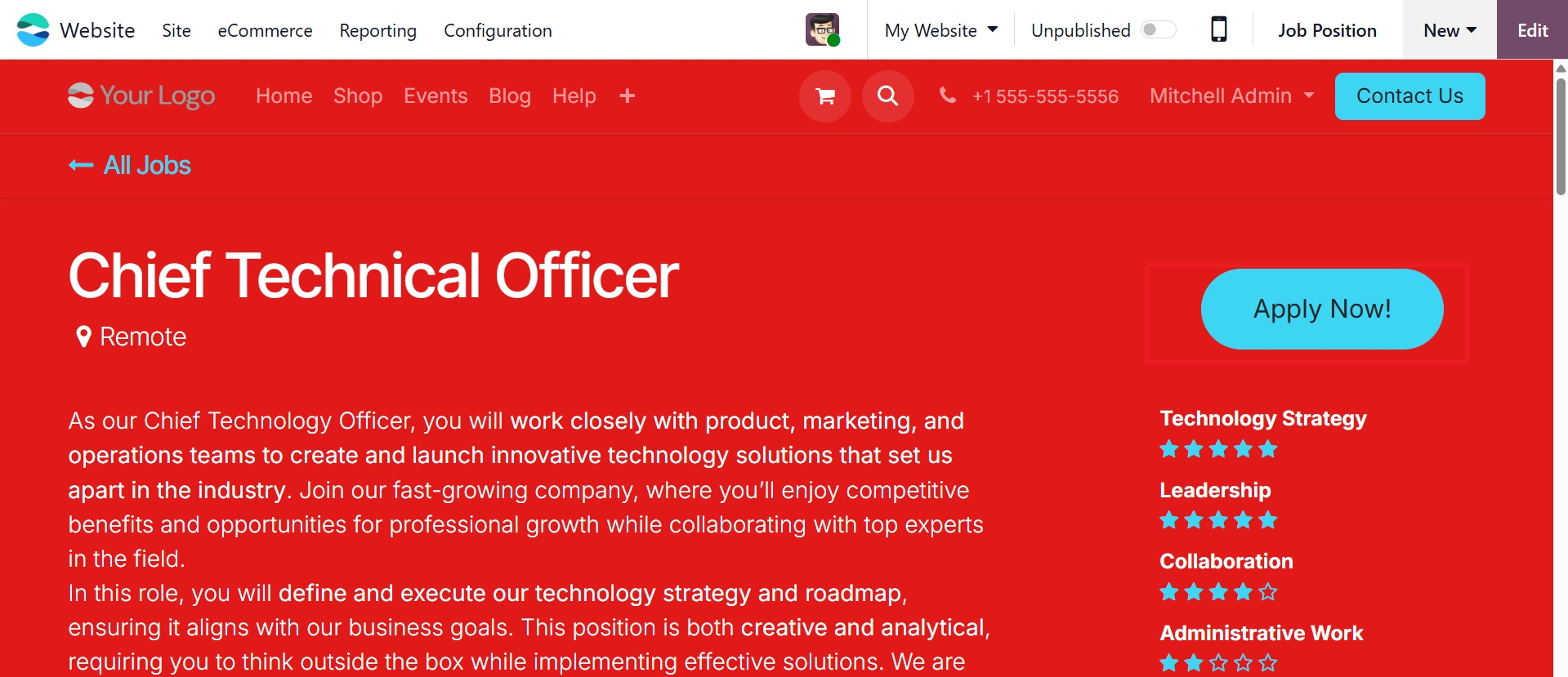
Users can view a preview of the job posting online by clicking the Go to Website smart button. There is a large Apply Now button for prospective applicants.
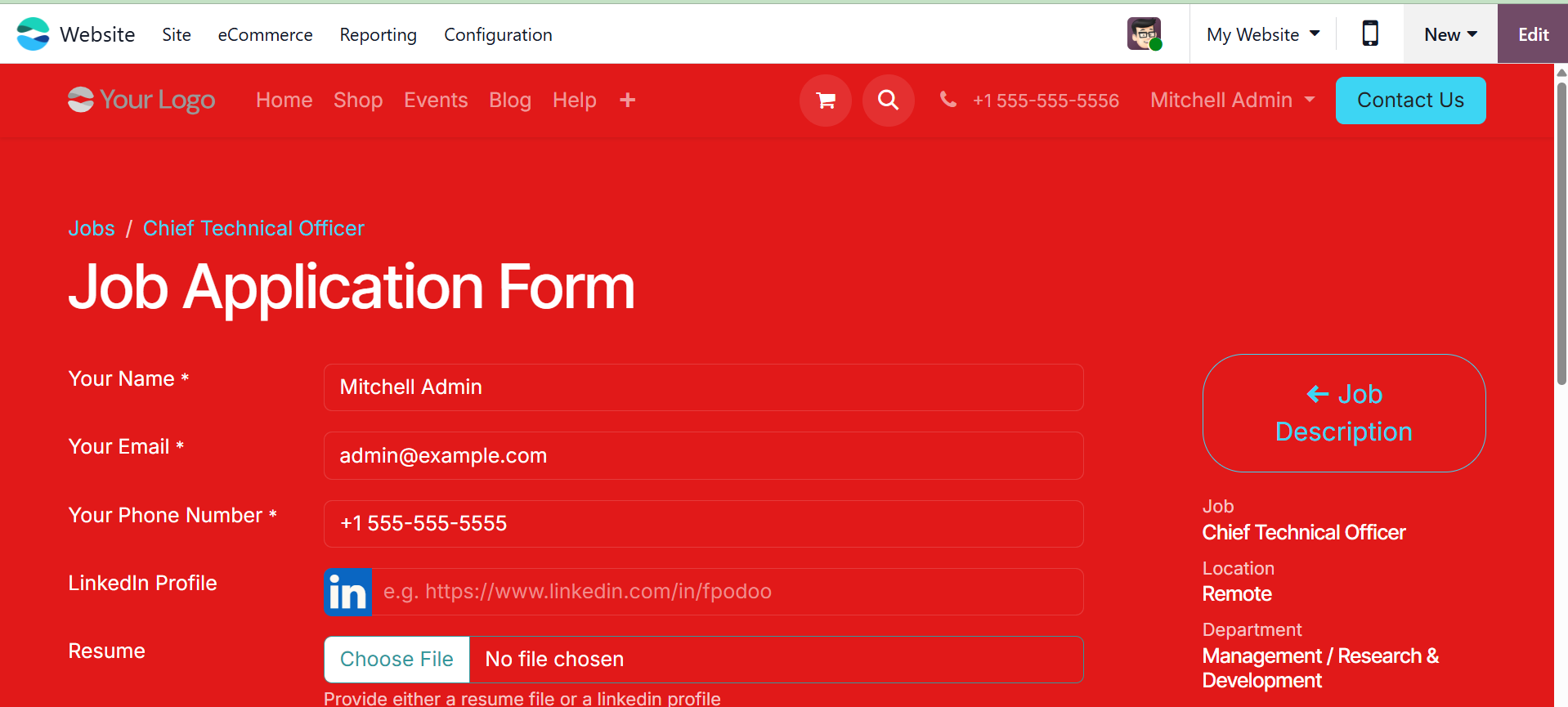
The complete job description is displayed on the right-hand side of the job application form when you click the "Apply" button. As indicated below, applicants can submit their name, email address, phone number, LinkedIn profile, resume, and a brief introduction.
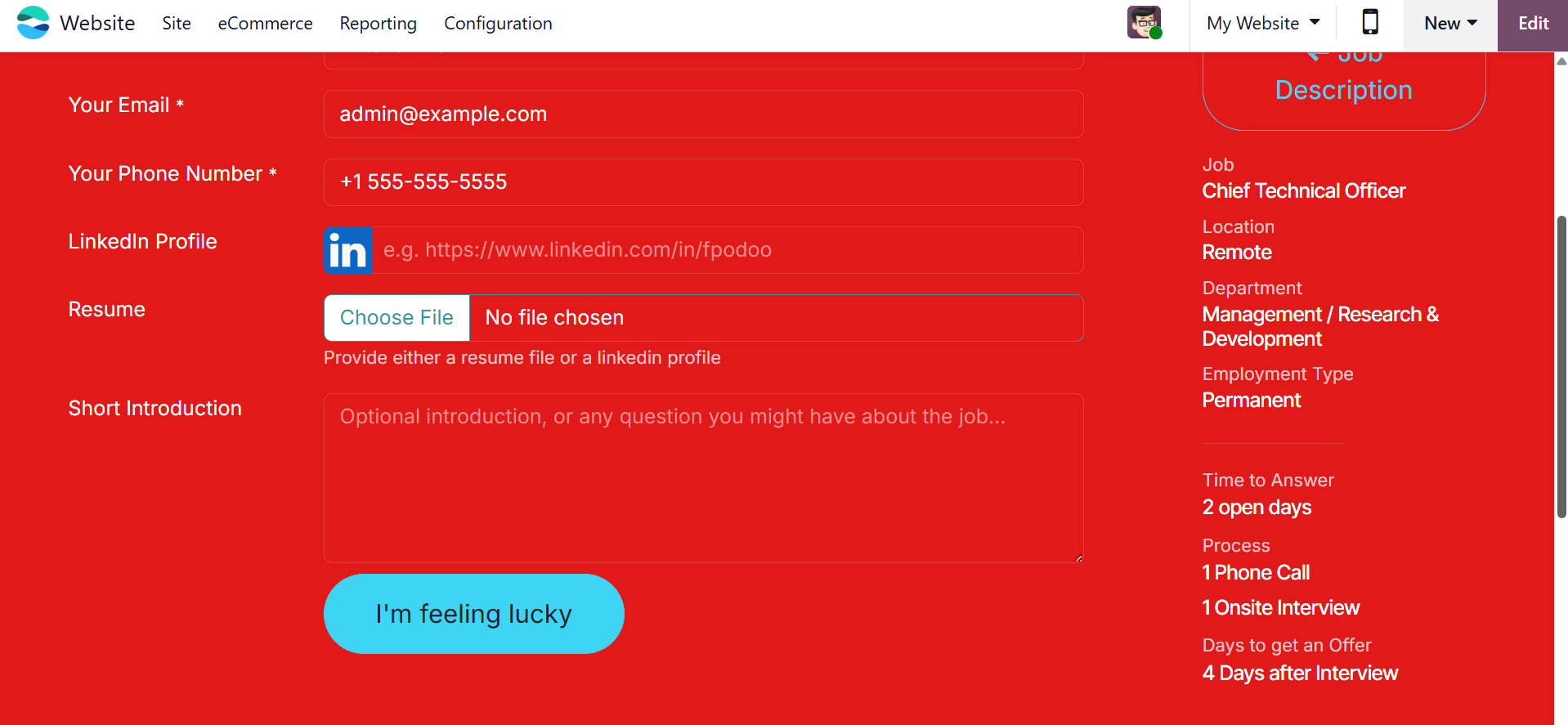
The "Submit" button, which can be altered to fit the company's tone or tastes and occasionally labeled as "I'm Feeling Lucky," allows you to submit the job application after inputting the necessary information.
Users can click the Edit button to make changes to the label or other design components, and then select the CUSTOMIZE tab for additional customization possibilities.
For companies wishing to post, administer, and keep an eye on job openings via their website, Odoo 19's Online Job module is a strong and effective option. Odoo offers a smooth experience for both recruiters and candidates, from crafting thorough job descriptions to monitoring applicant data.