Tags
Odoo 19 introduces Forum Tags as an additional configuration option that helps organize forum discussions more efficiently. Tags allow administrators and users to categorize questions and posts based on topics, making it easier for visitors to search, filter, and find relevant content within the forum.
In the Forum Tags view, you can see the Tag Name, the assigned color, and the forum to which each tag belongs. Color coding helps visually distinguish tags on the website, improving readability and navigation for forum users.
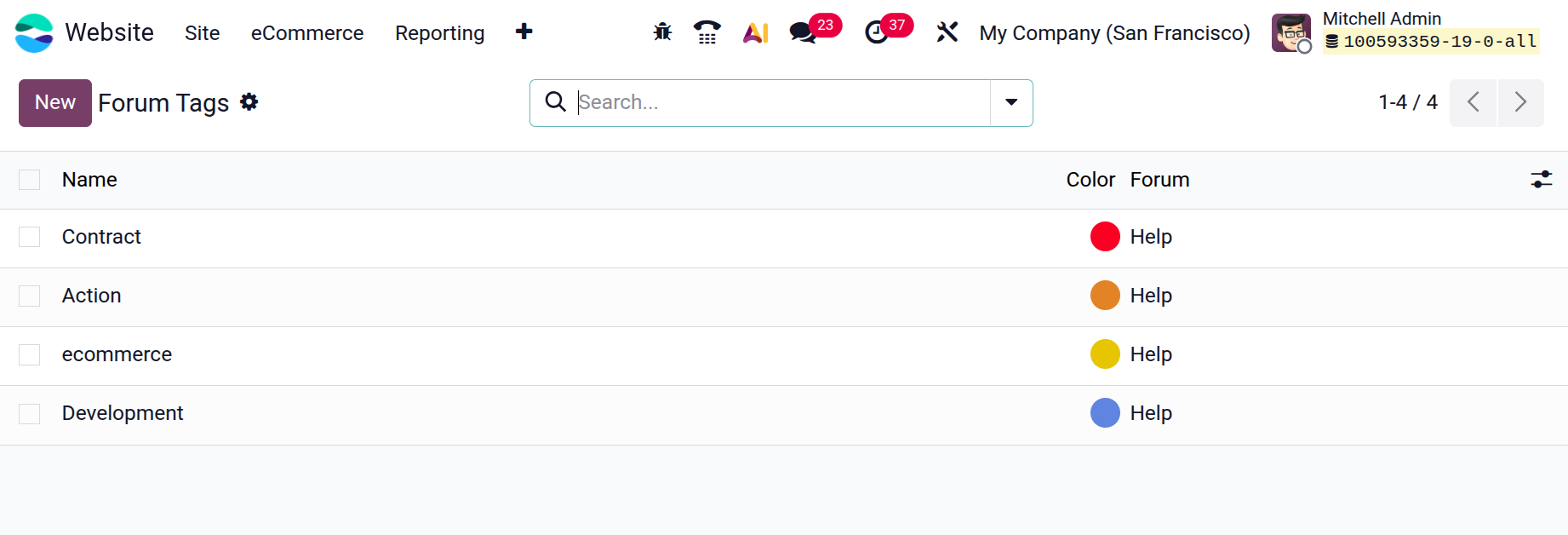
To create a new tag, click the New button. A new editable row will appear in the list, allowing you to enter the tag name directly. You can also select a color for the tag using the color palette provided. Once the details are entered, click Save to apply the changes.
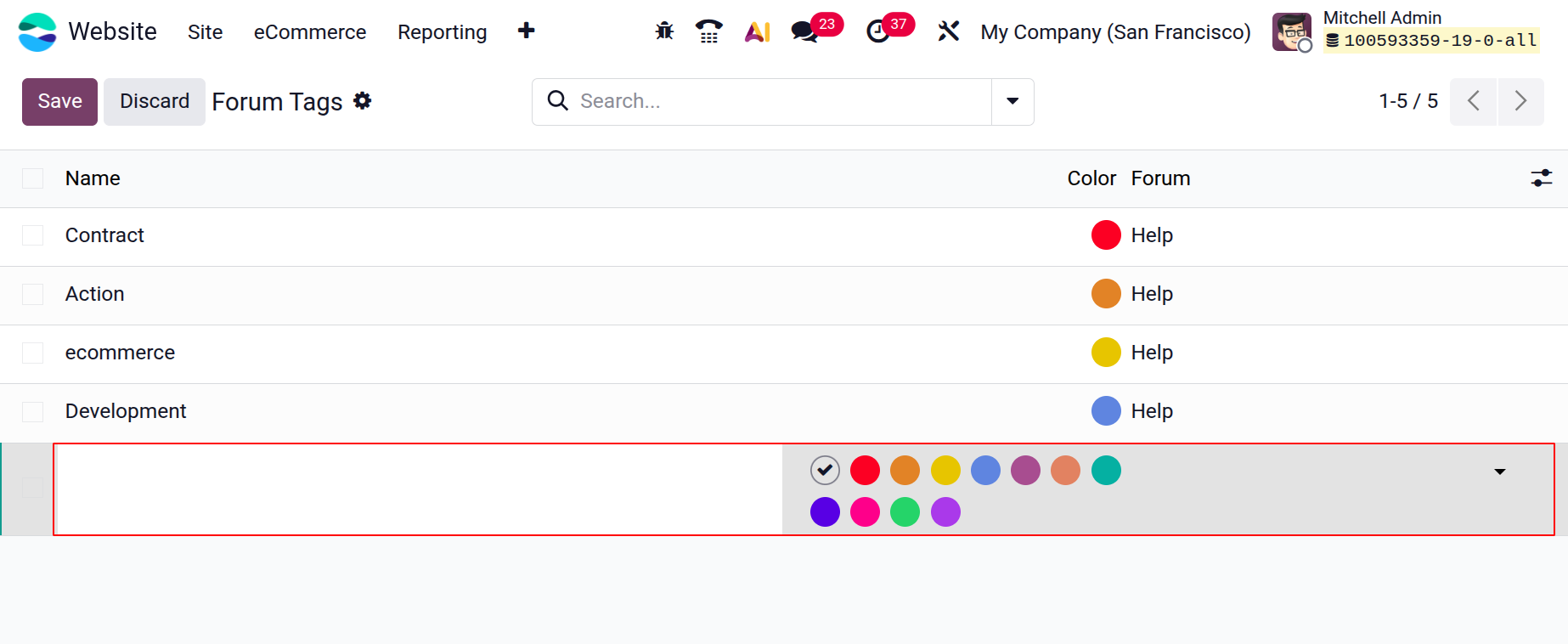
Tags can be linked to a specific forum, ensuring that each forum maintains its own relevant set of categories. After configuration, these tags become available while creating or editing forum posts, enabling users to label their questions accurately.