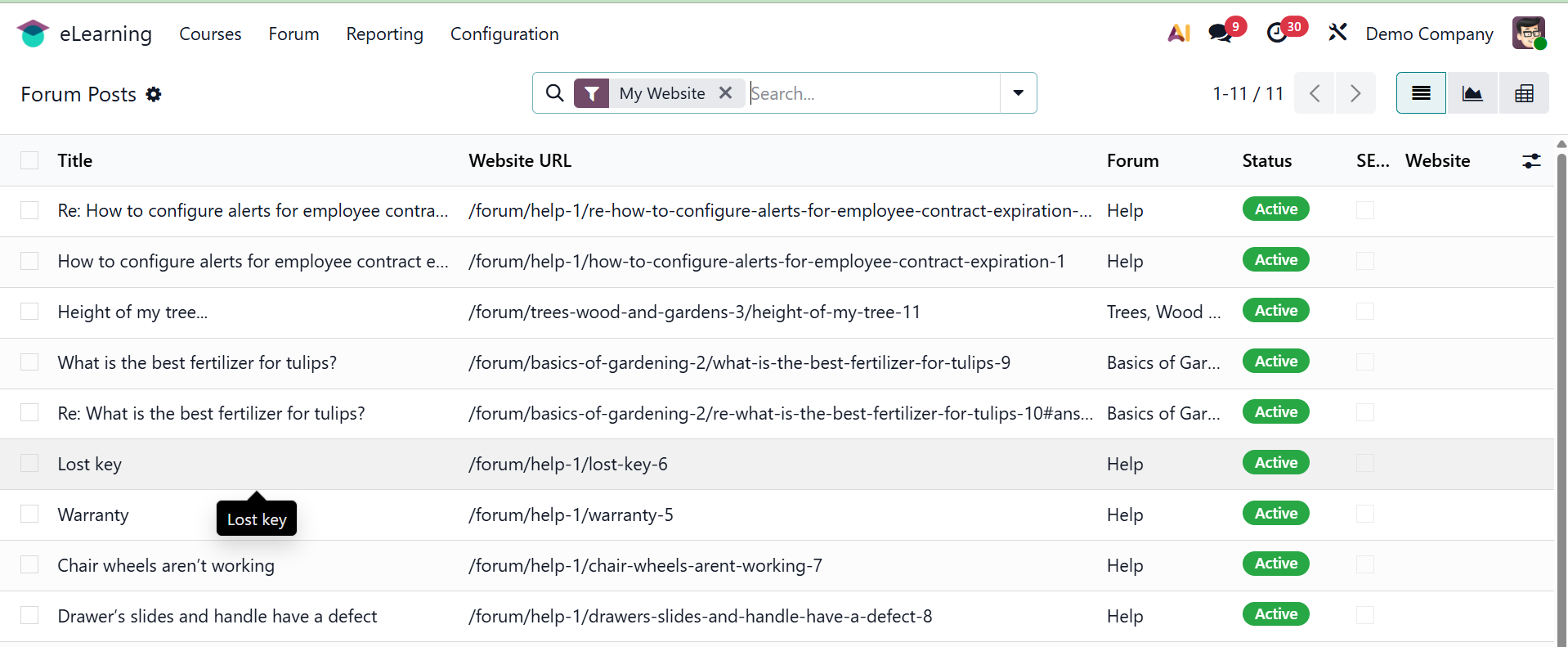
Forum
Under the forum menu, you have the options of forum and post, and they are explained below. The option will be available once you activate it from the settings.
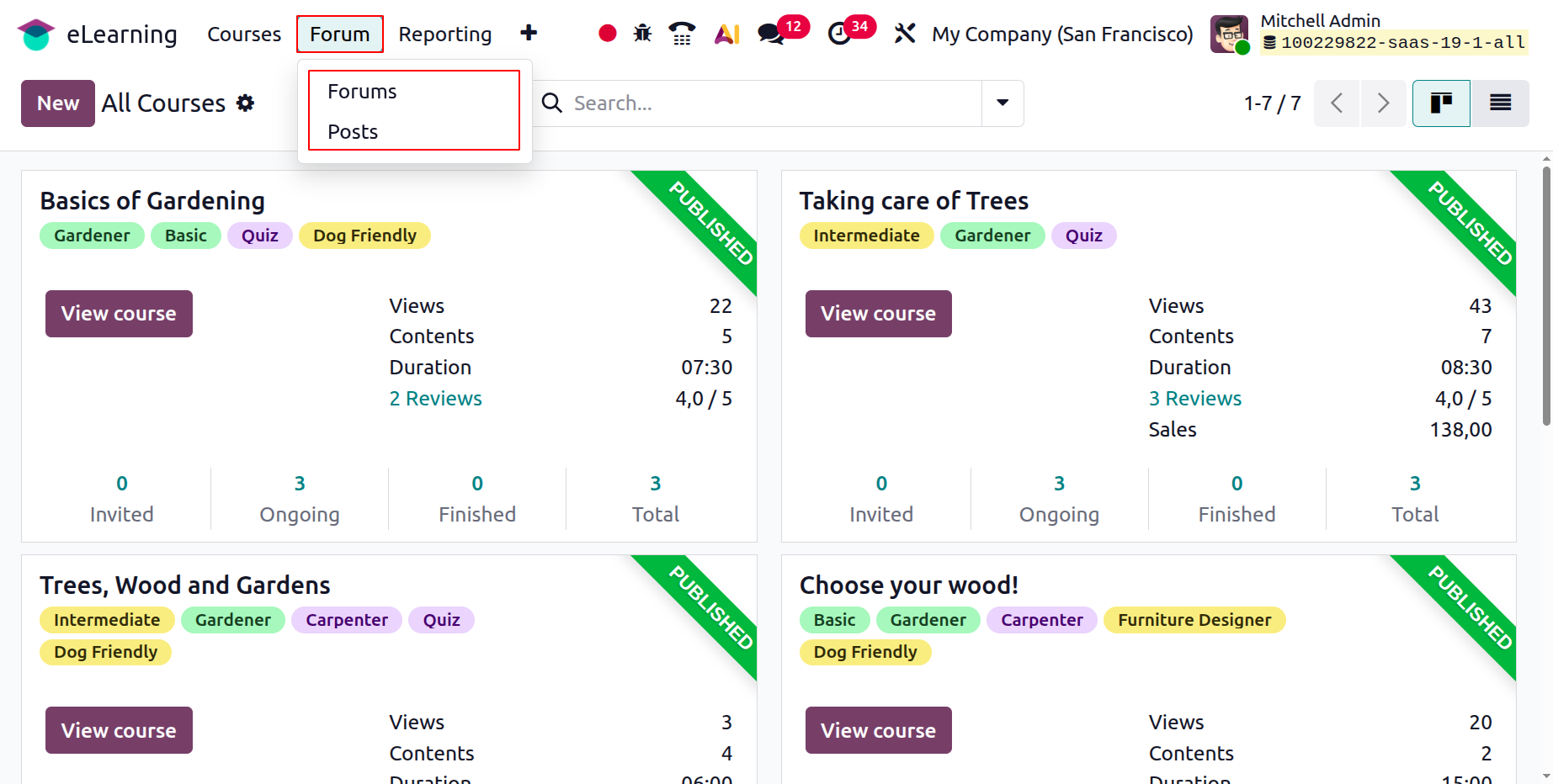
1.1 Forums
As you can see, the window lists every forum that has been set up on the platform and provides information about each one, such as the forum name, website, courses, number of posts, views, answers, and favorites.
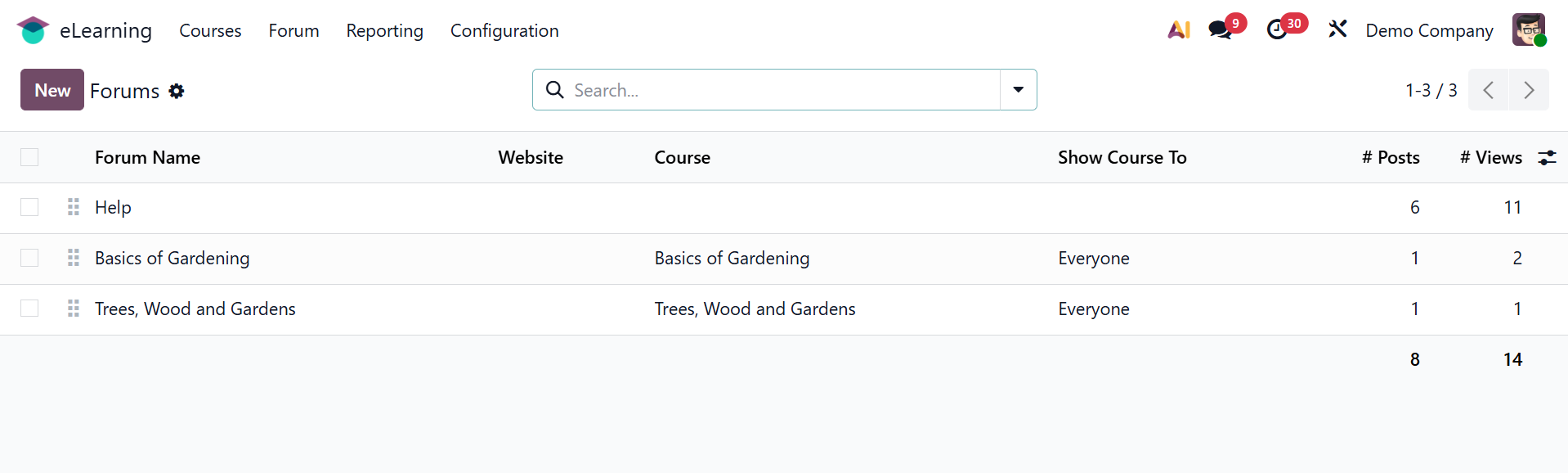
Click the New button to start a new forum.
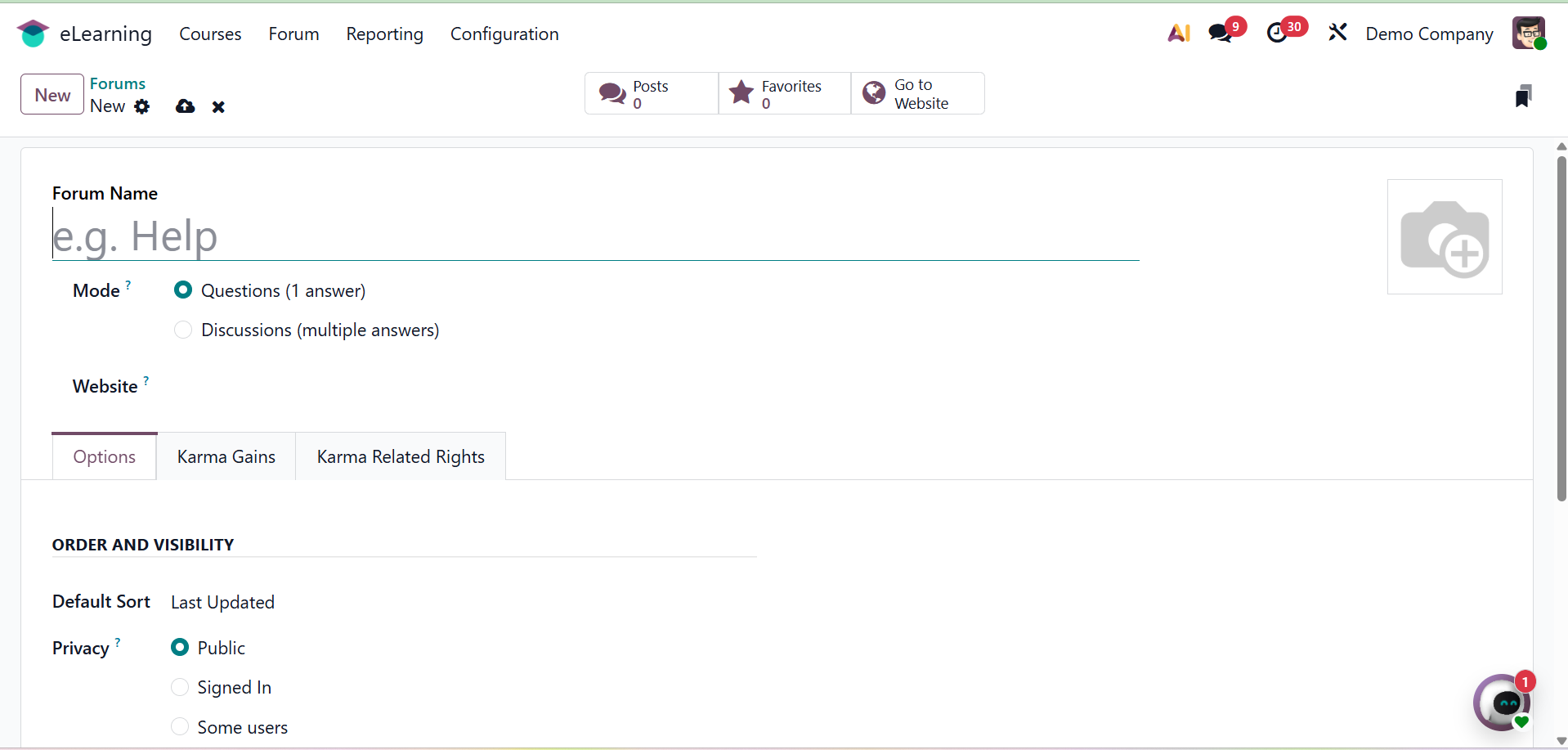
You must first choose the Mode and enter the Forum Name. You have two options for the mode: Discussions (many answers can be added to a single post) or Questions (one answer can be added to a single post). Inquiry mode only permits one response, whereas discussion mode permits many. The website can then be made available when this forum needs to be launched. The forum-related photo can also be added in the relevant area.
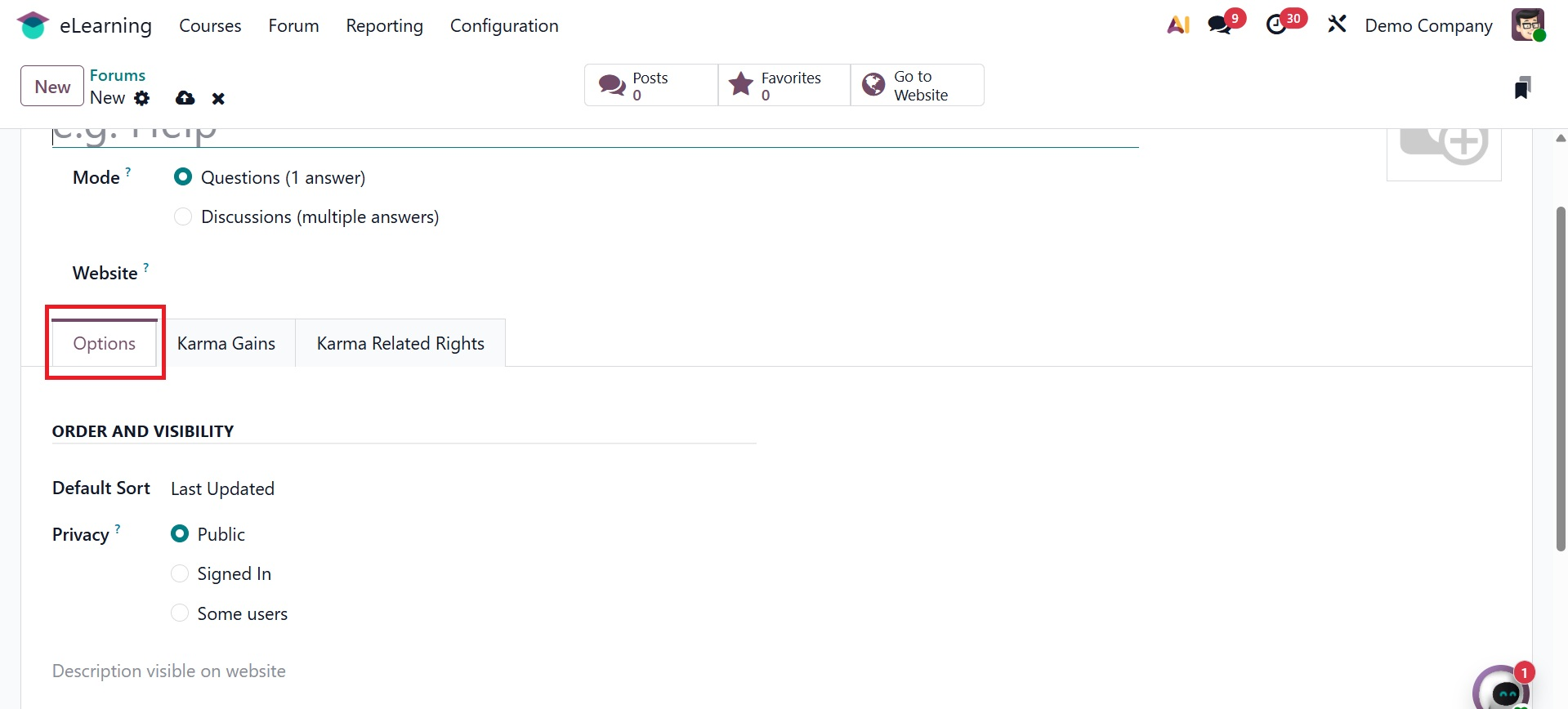
From the Options tab, you can set the Default Sort order, such as Last Updated, Newest, Most Voted, Relevance, or Answered. You can set Privacy to Public (everyone can see the forum), Signed In (only signed-in users can see the forum), or Some Users (only a specific group can see the forum). Additionally, you have the option to provide a description of the forum that will appear on the website.
You have the option to include a description of the forum that will appear on the website. You can give the participants different karma points for their varied deeds under the Karma Gains page.
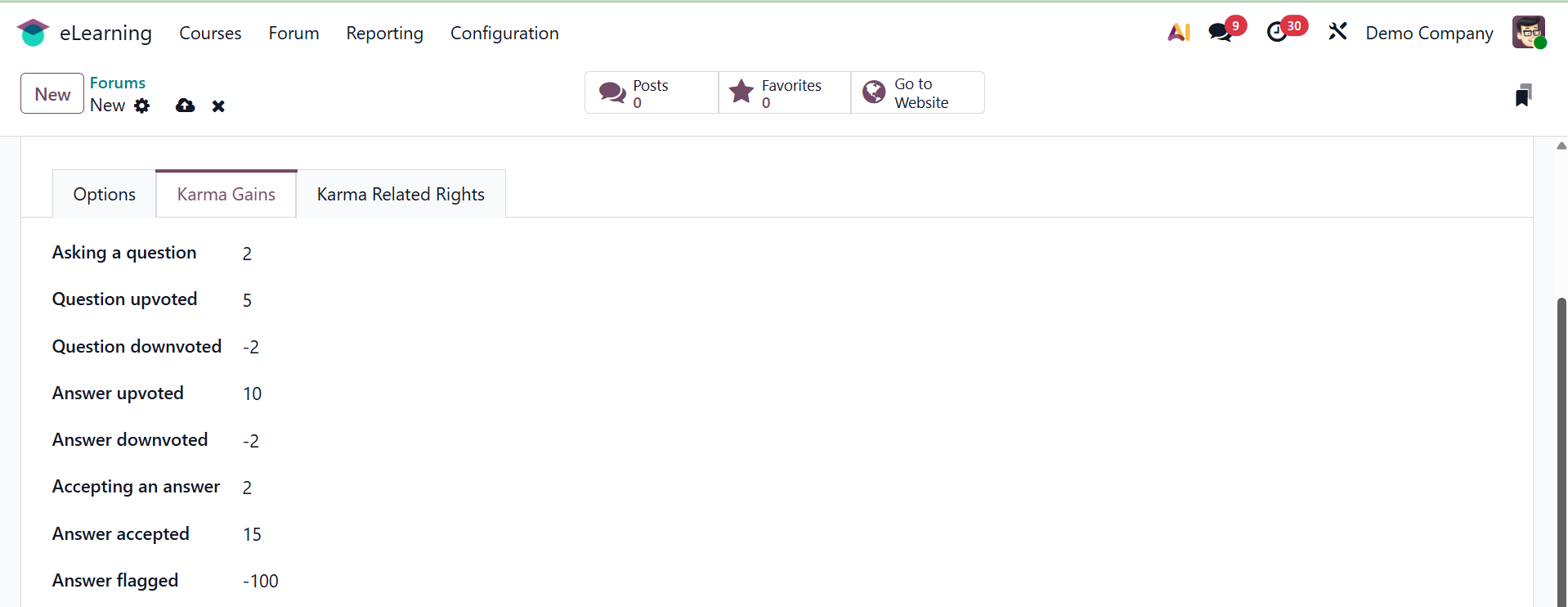
Participants will be able to acquire a number of rights if they accumulate enough karma points. You can explain the right in Odoo 19 by choosing the Karma Related Rights option.
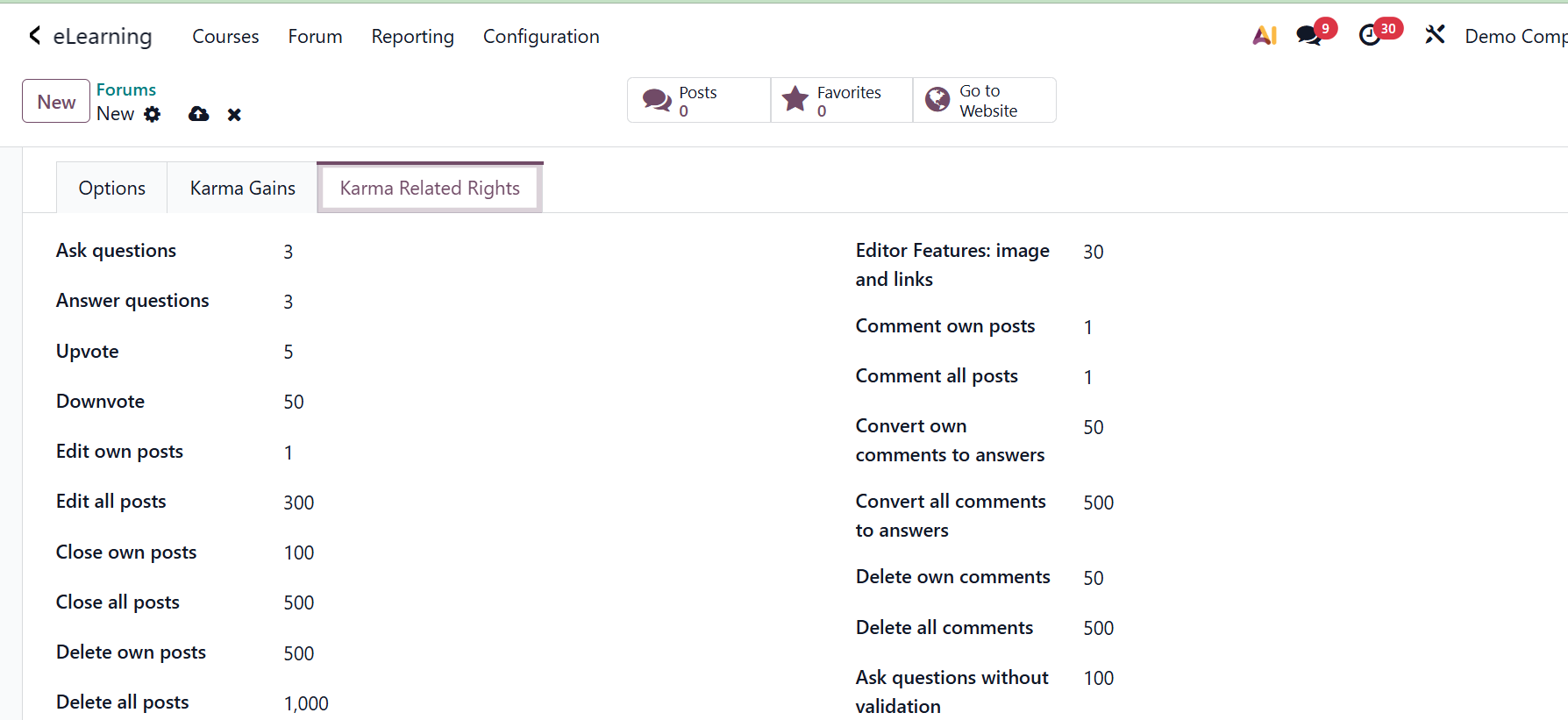
A list of rights is shown under the Karma Related Rights tab. Participants can only get rights after accruing the required number of karma points.
After completing each of these steps, click the Save button to keep the details.
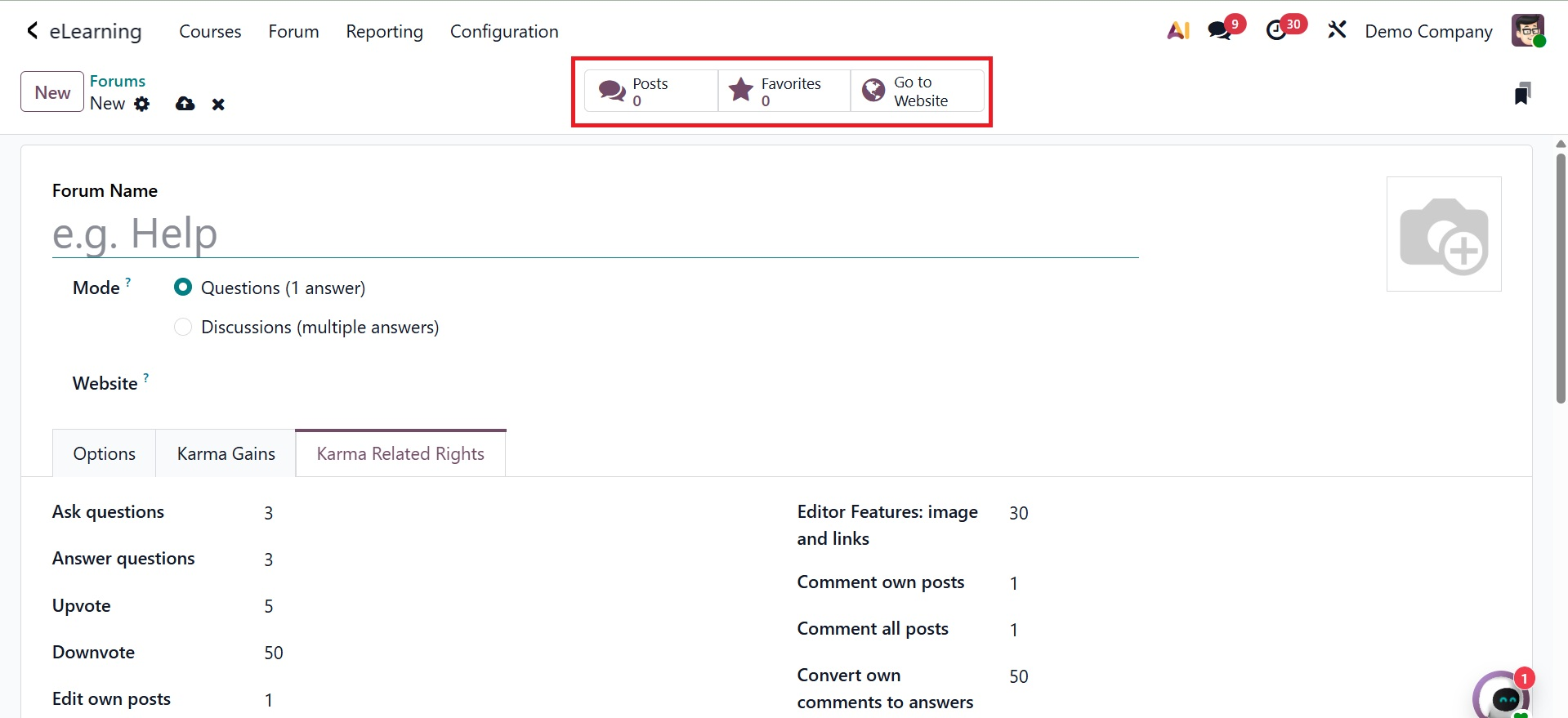
The Forum option includes the Forum Post option. This displays the view of every forum post page that has been generated. Next, as seen in the image above, you can access both the website smart tab and the favorites tab.
1.2 Forum Post
A Forum Post is a discussion entry created within the integrated Forum module. It allows students to ask questions about the courses they are taking, take part in discussions, and share ideas. This feature enhances the knowledge-sharing and interactivity of the eLearning platform. The page will look like the picture below. You will find information such as the title, website URL, forum, status, and website on this page.