In the event that the company receives a new offer, it is now rather simple to publish a job opportunity online. Candidates can easily learn about the role and apply as a result.
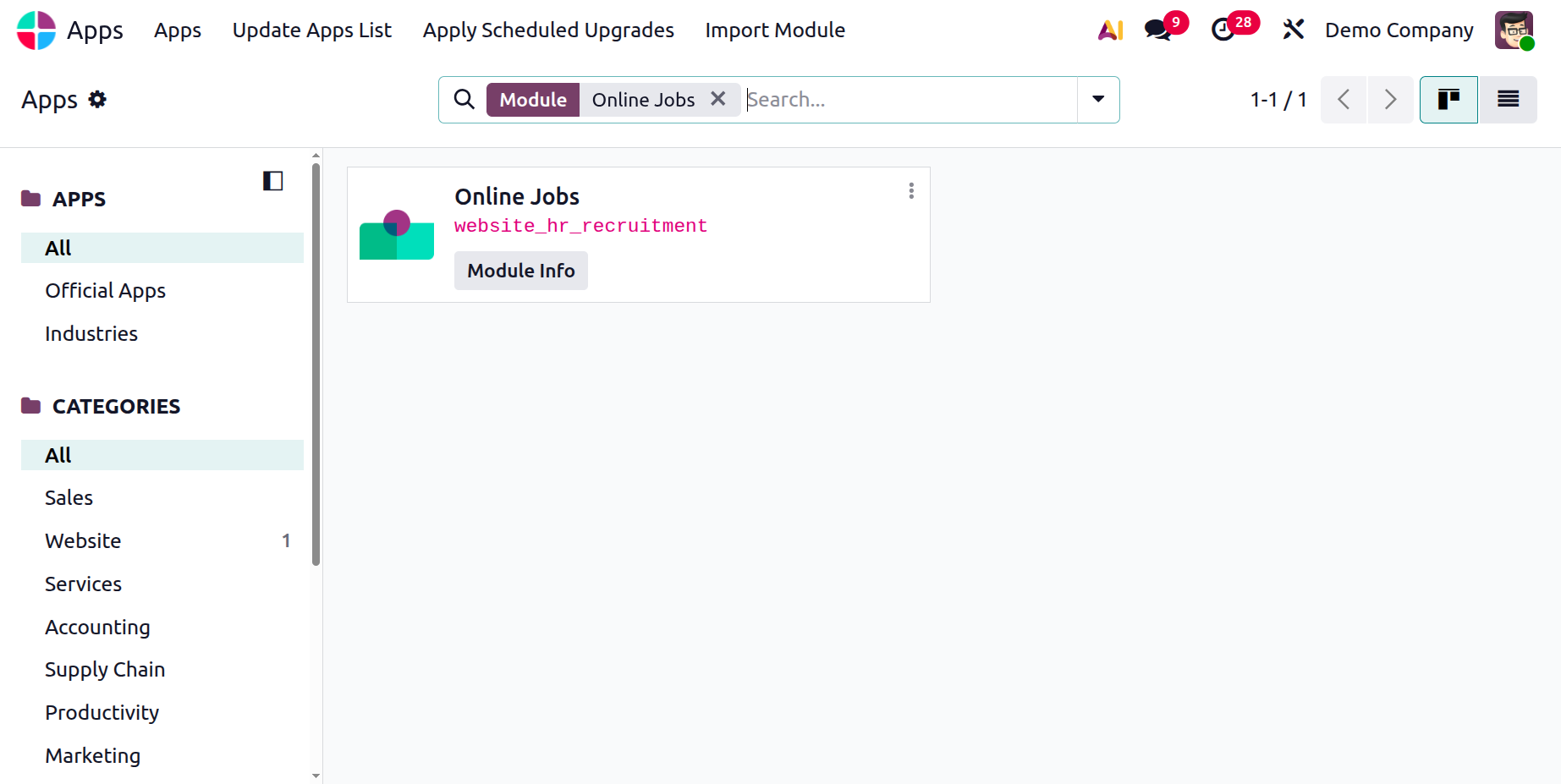
The Odoo 19 app store offers the Online Jobs module. If the Website module is chosen, the Online Jobs module will be implemented in tandem with the website. Additionally, the module and the Recruitment module are integrated.
The modules for recruitment and online jobs are related. Consequently, the job openings will be able to be posted on the website. As a result, the employment position will have an Is Published checkbox. The job ad will appear on the corporate website if this is enabled, allowing candidates to quickly and easily apply.
Starting a New Job Posting on the Odoo 19 Website
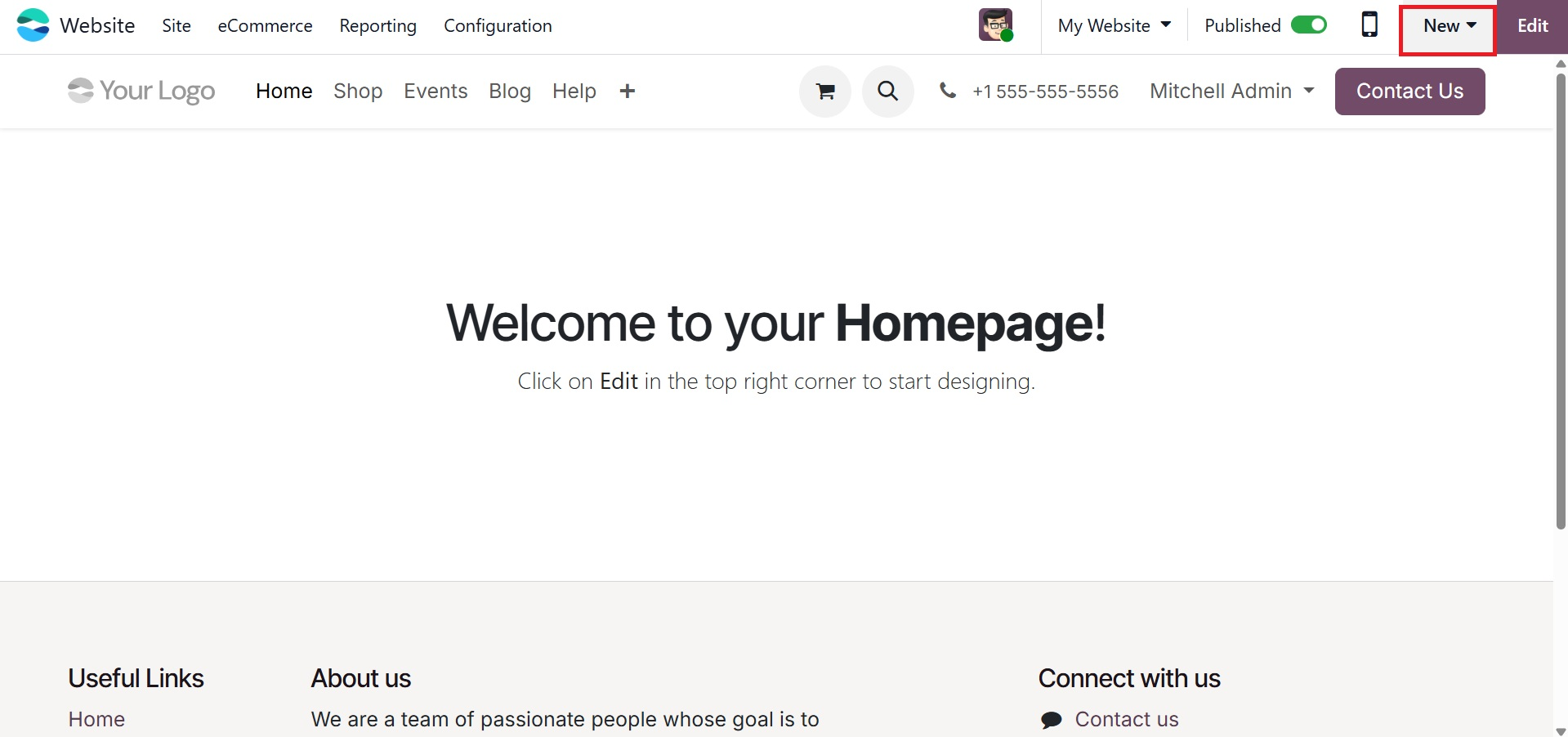
The +New button in the upper-right corner of the Odoo website builder interface allows users to start the process of creating a new page or part on their website.
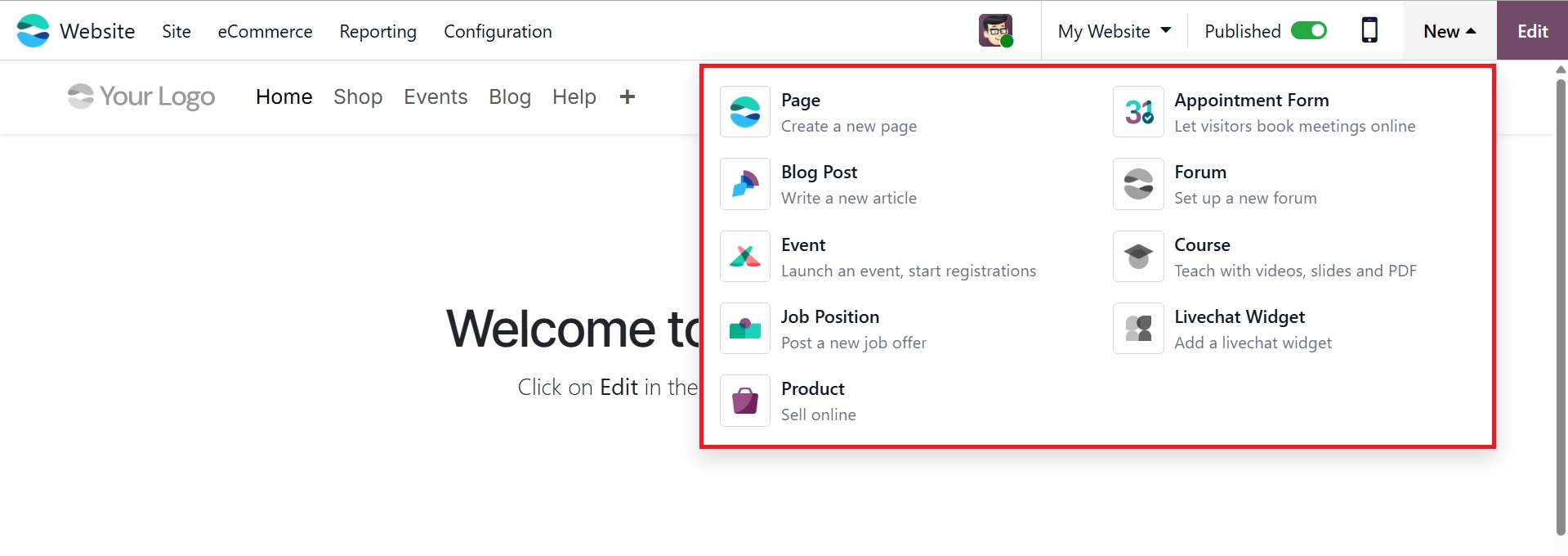
This button gives you access to a variety of content creation choices, including creating Pages, Blogs, and Forums. If your Odoo 19 enterprise package has the online jobs module activated, you can also see "Job Positions" and "Live Chat Widget" options, as shown in the screenshot below.
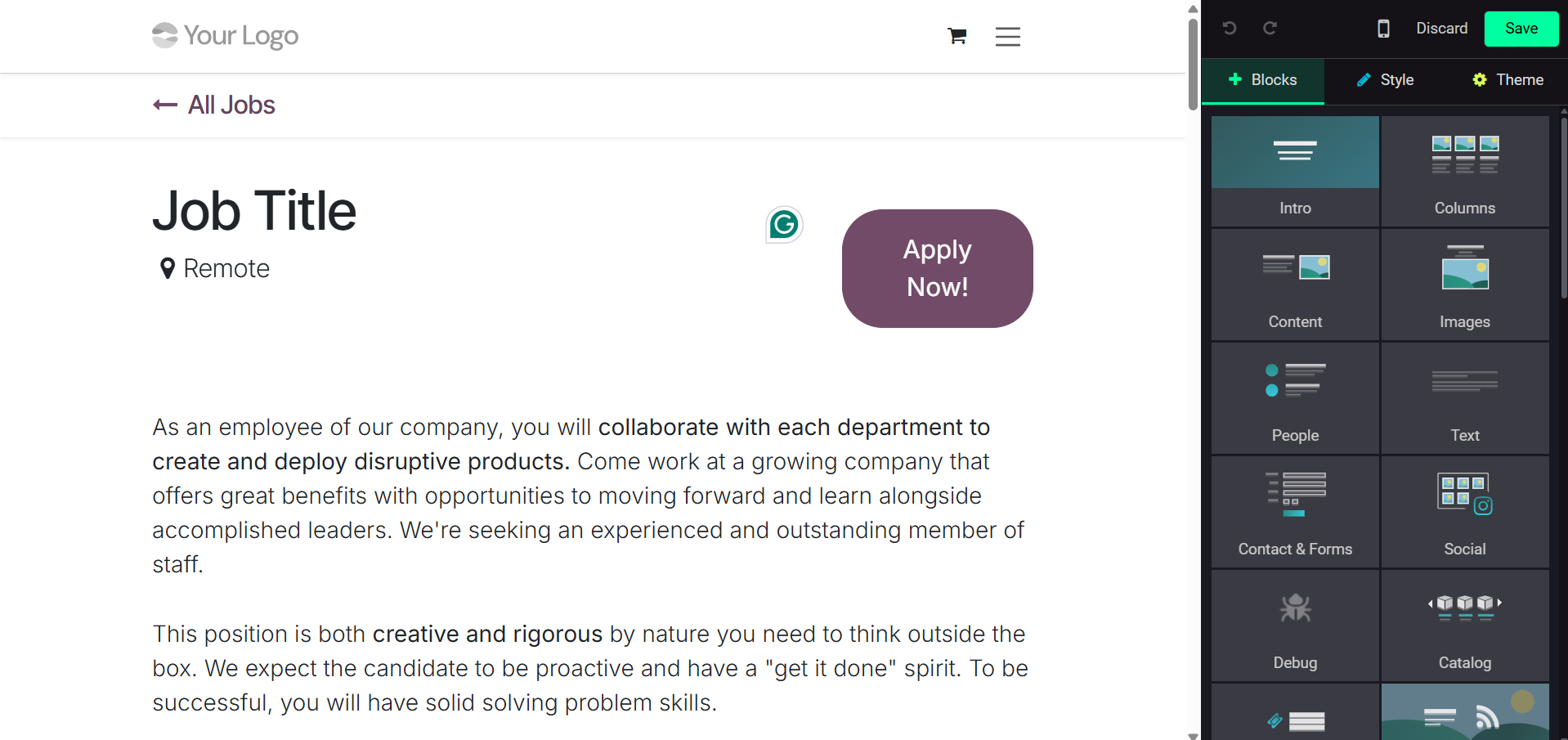
Users are taken to a pre-configured template that acts as a basis for creating a job listing when they choose the Job Position option. This template's layout, background, text, and overall site design may all be altered to meet the unique needs of the company.