Approvals on the button
Approving records may occasionally be an essential step in the company workflow, depending on the operation. Approval procedures can differ; sometimes many permissions are required, employees must follow a particular order of approval, and they must be made aware of the approval process. All of this is now made feasible via the Odoo 19 studio module.
As an illustration, consider approval for the sale order confirmation. Let's change the form view and set up the approval confirm button.
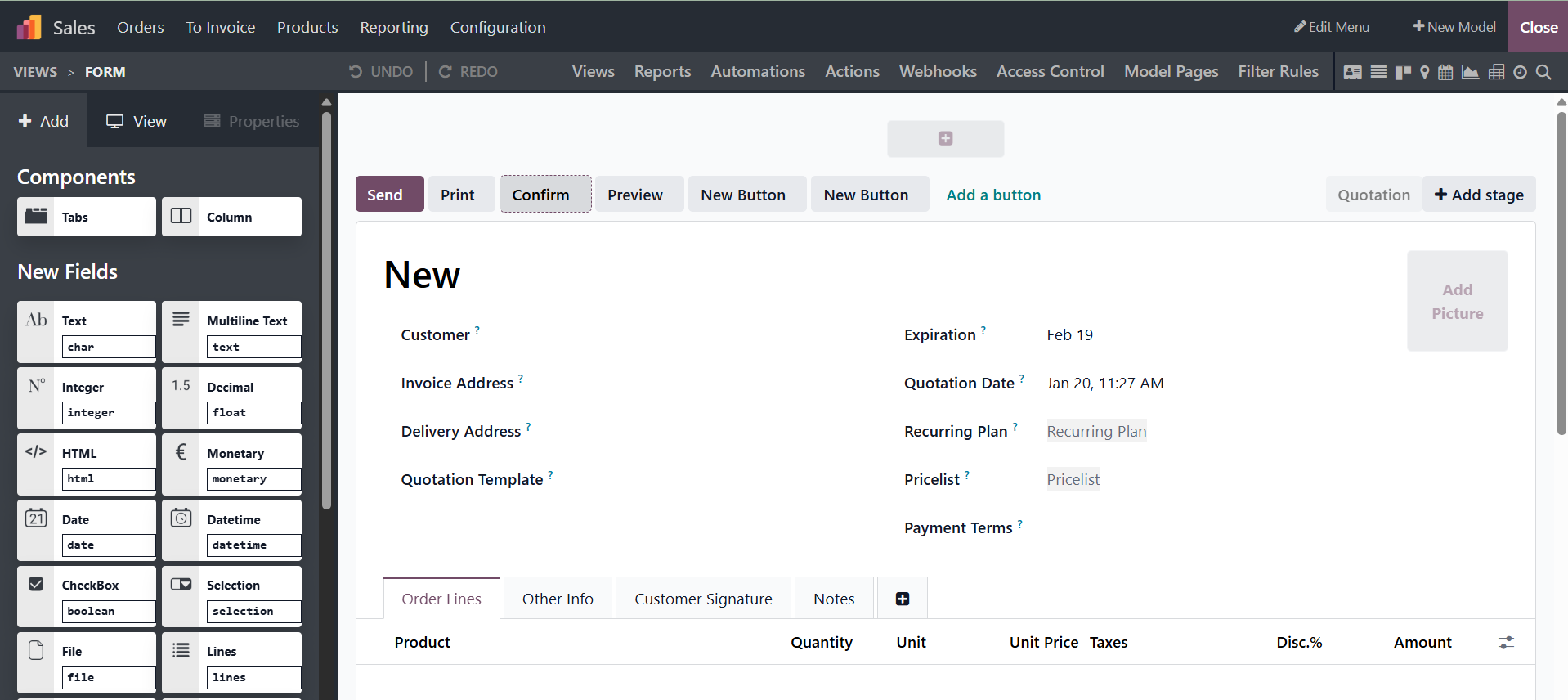
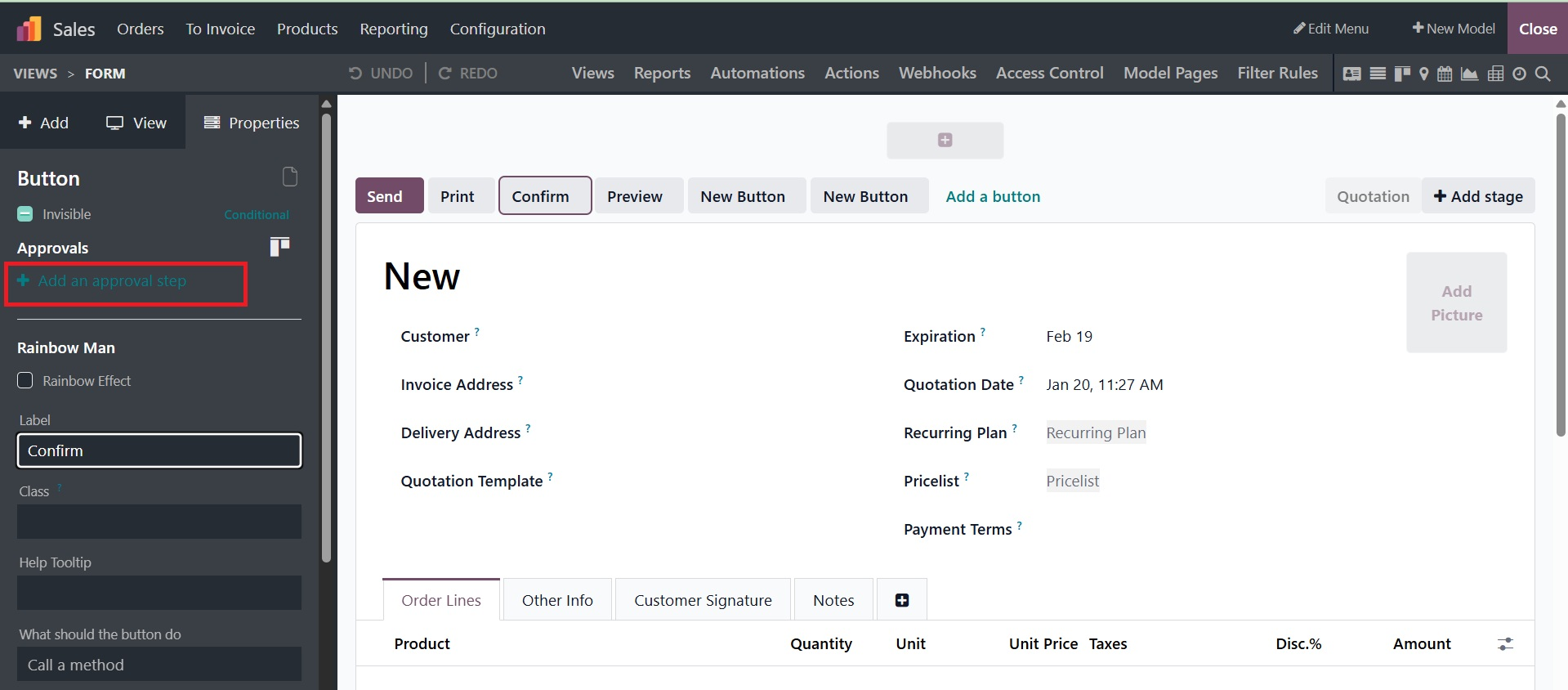
To add approval, click the configured button and turn on the boolean "Set approval rules." Responsible parties, users to alert, and the authorized group to approve can all be designated. The notification order can be adjusted by users in the designated field, and they can only approve using the boolean "Exclusive order." This will help obtain alerts for the user's approval.
You can set up several approvals by choosing the " +Add an approval step" option. Provide an approval option that lets you add additional fields, like groups and responsible parties, for the subsequent approver.
You can alter the Odoo19 Studio module however you see fit. The company's authorization and approval processes will benefit from these changes as well. Depending on the operational and functional requirements of the company, the approvals may be put into effect and changed.