Reporting
In Odoo 19 Live Chat, Reporting provides analytical insights into chat and call activities. Managers can use these reports to understand support efficiency and make decisions that enhance overall service quality. Under the Reporting menu, you can see options such as Agents and Sessions
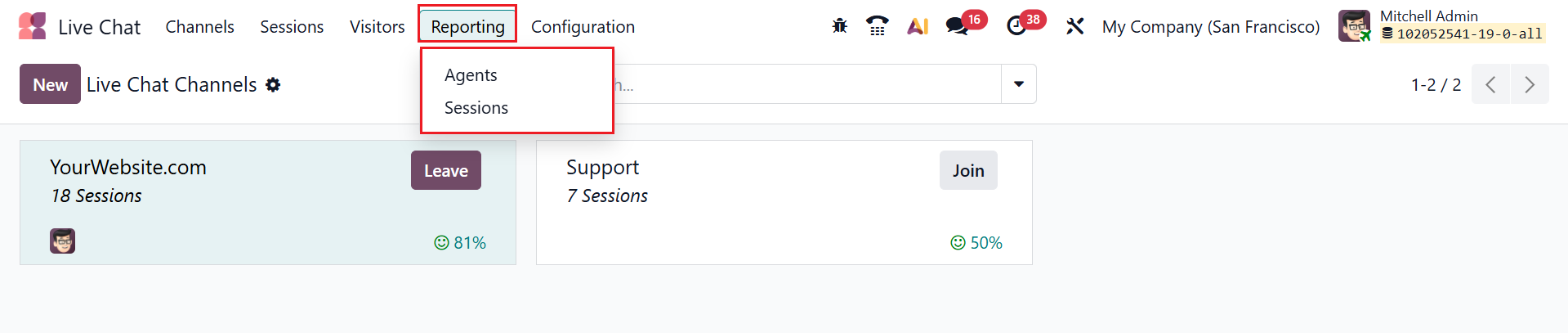
1.1 Agent
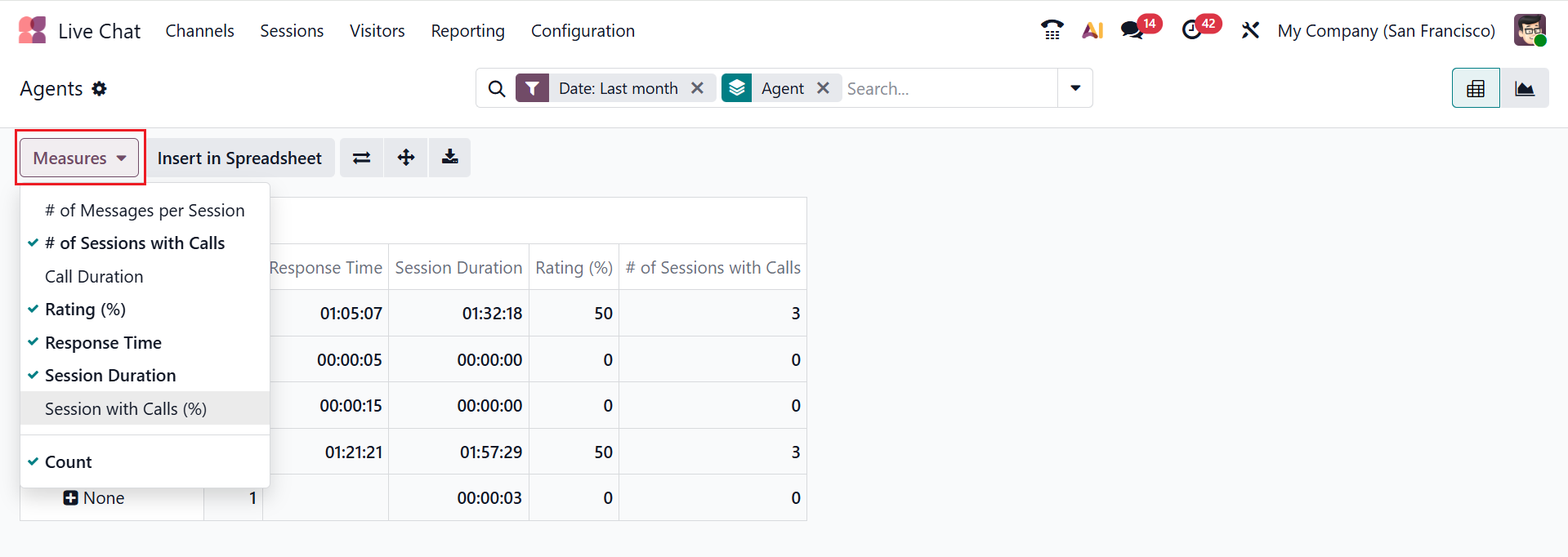
In Odoo 19 Live Chat, the Agents option under the Reporting menu provides performance statistics for each operator in the live chat. It displays metrics such as # of Messages per Session, # of Sessions with Calls, Call Duration, Rating(%), Response Time, Session Duration, Session with Calls(%), and Count. By default, you can see the Agents option in Pivot view as shown below:
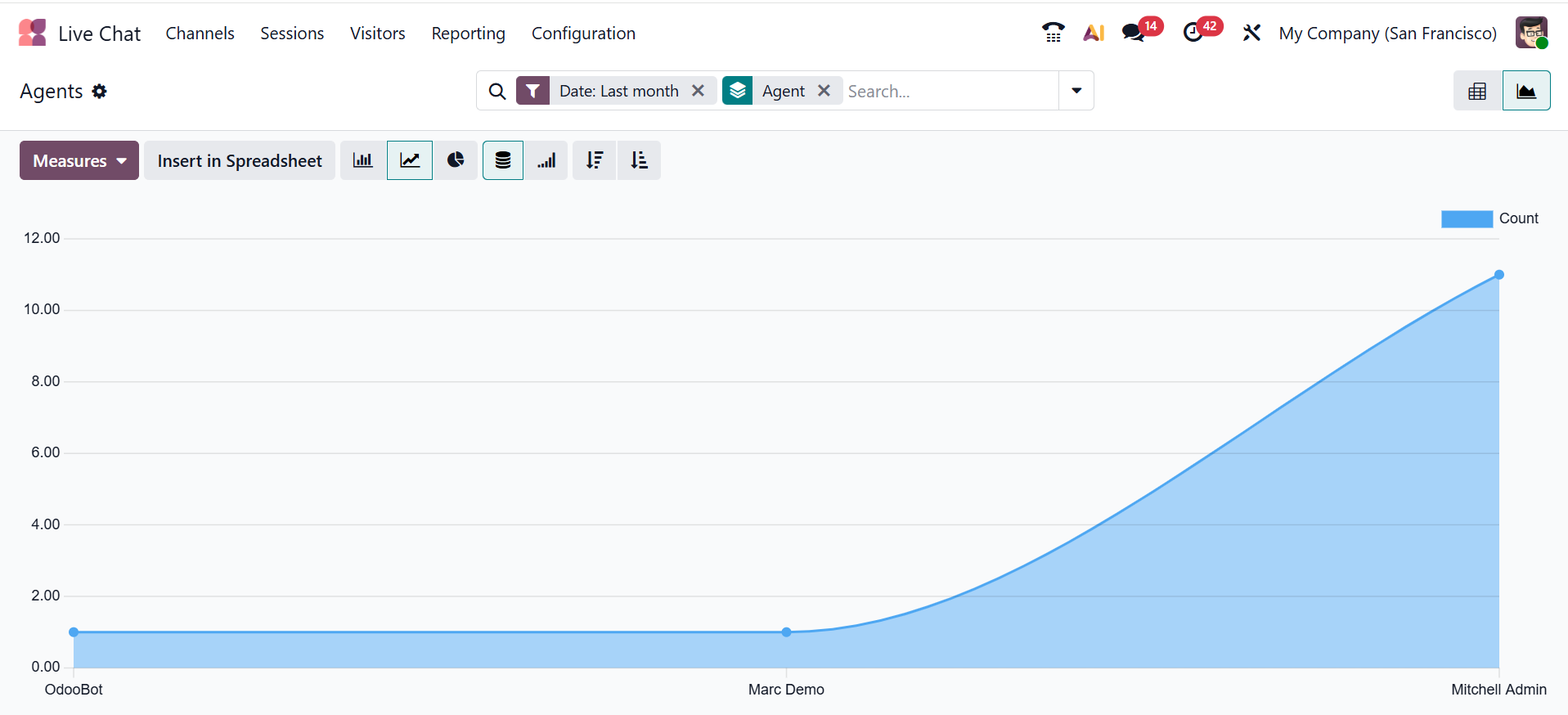
You can change the view to Graph view, as shown below.
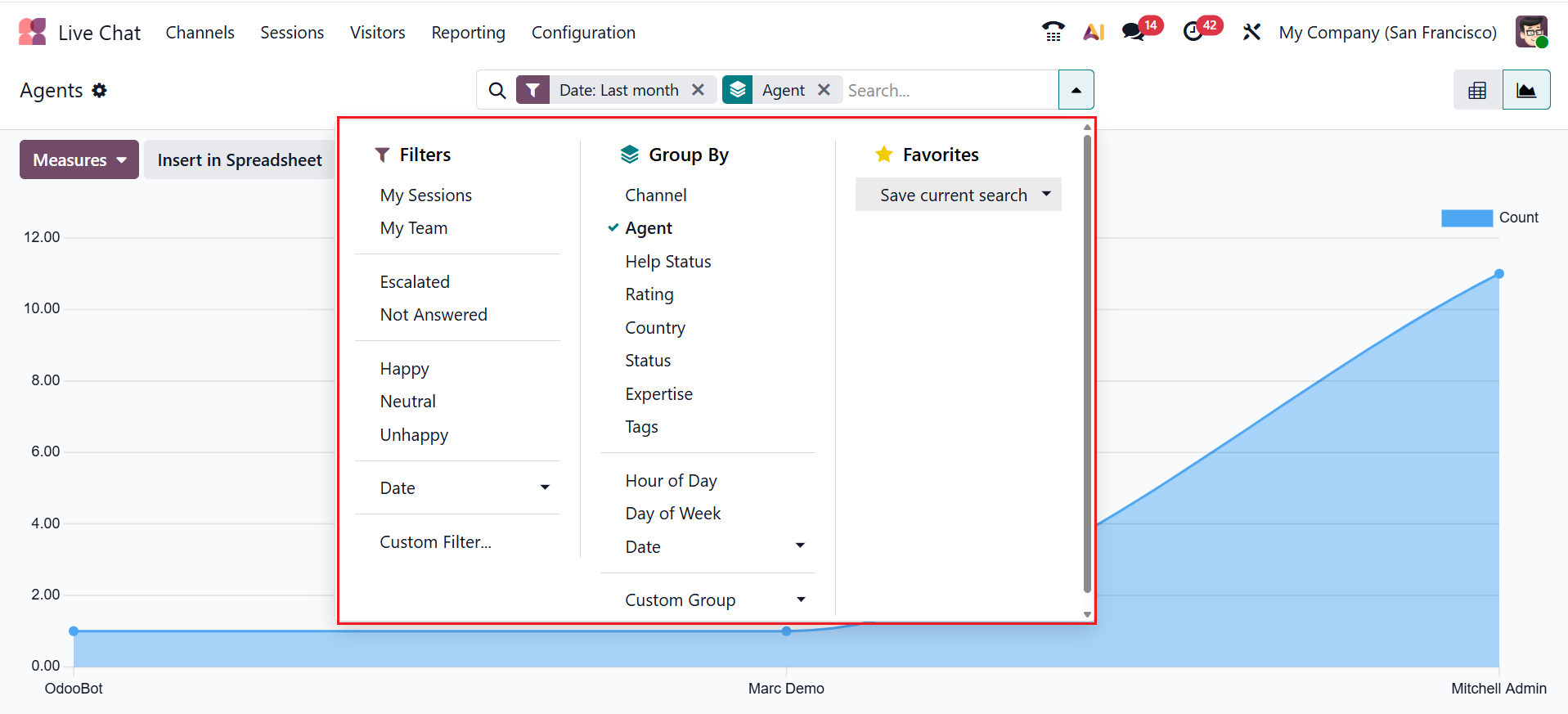
By using the Filter, Group, and Favorites buttons in the search bar, you can tailor filters and grouping options to access specific visitor data.
1.2 Sessions:
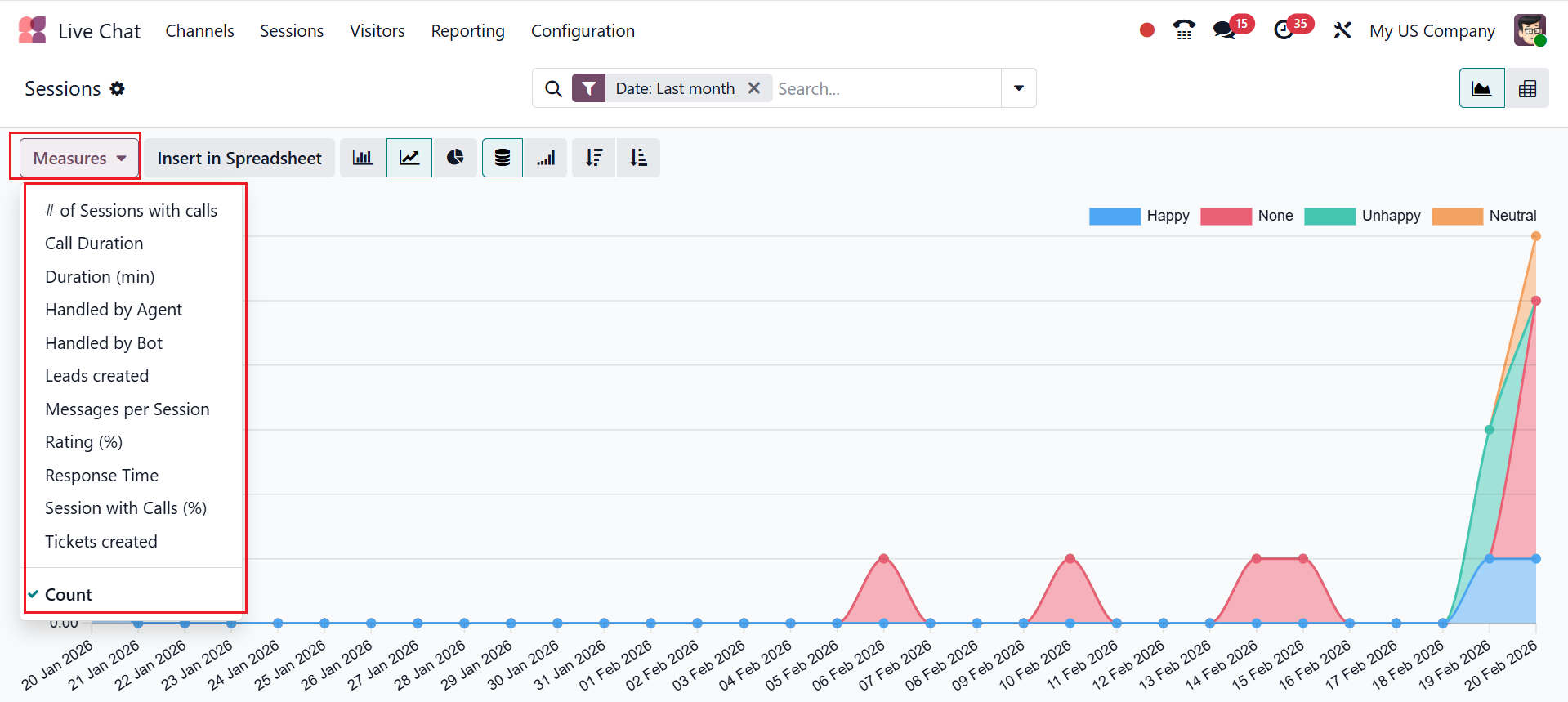
In Odoo 19 Live Chat, the Sessions option under the Reporting menu provides a detailed overview of all chat and call interactions. It displays metrics such as # of Sessions with Calls, Call Duration, Duration (min), Handled by Agent, Handled by Bot, Lead Created, Messages per Session, Rating (%), Response Time, Session with Calls (%), Tickets created, and Count.
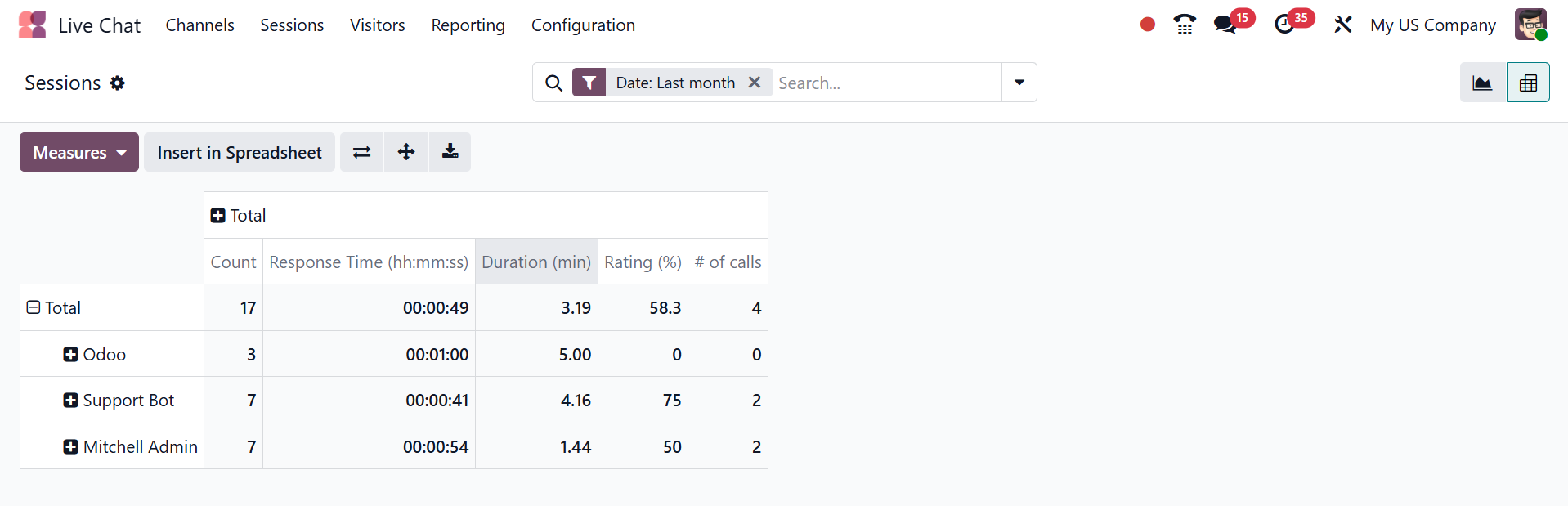
As shown below, the Session window allows users to examine session data in pivot view
The Odoo 19 Live Chat module streamlines real-time communication between businesses and website visitors, enhancing customer support and engagement. It allows users to create and manage live chat channels, assign agents, and customize chat widgets for seamless website integration. Features like automated responses, filtering, grouping, and agent management improve efficiency and response times. The module also provides insightful reports on chat performance, helping managers make data-driven decisions to optimize service quality. Overall, Odoo 19 Live Chat empowers organizations to deliver faster, personalized support, boosting customer satisfaction and operational effectiveness.