Reporting
The Reporting section in Odoo 19’s Website module provides comprehensive insights into your website’s performance and online sales activities. By navigating to the Reporting tab within the Website module, you can access detailed reports related to Analytics, Visitors, and Page Views. These reporting tools help businesses monitor website traffic, evaluate sales performance, and analyze visitor engagement to optimize overall website effectiveness.
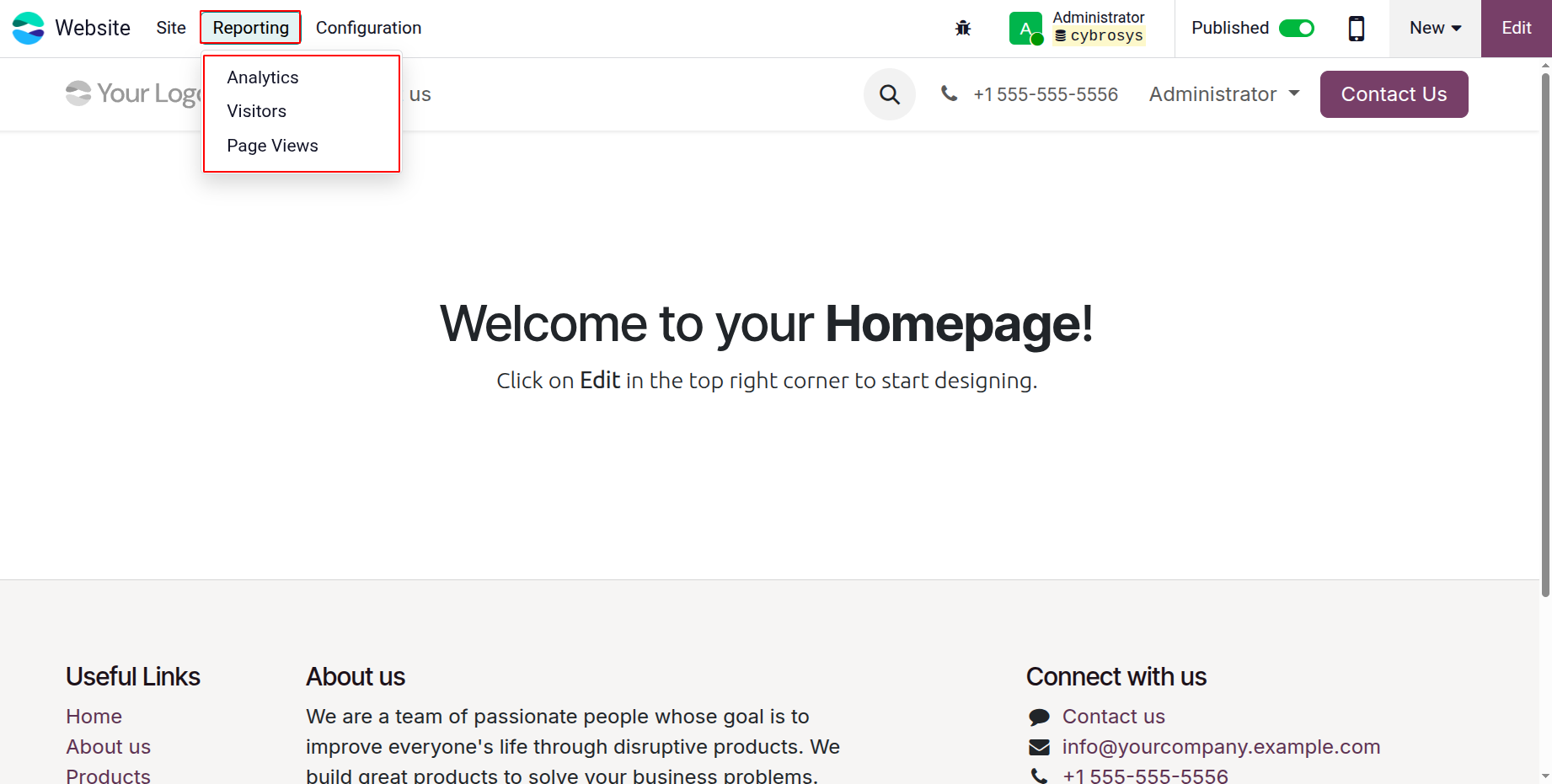
1.1 Analytics
Odoo 19 supports advanced website traffic analysis through integration with external analytics tools. The Analytics feature within the Website module enables businesses to monitor visitor activity, track user engagement, and evaluate performance metrics such as session duration, traffic sources, and page interactions.
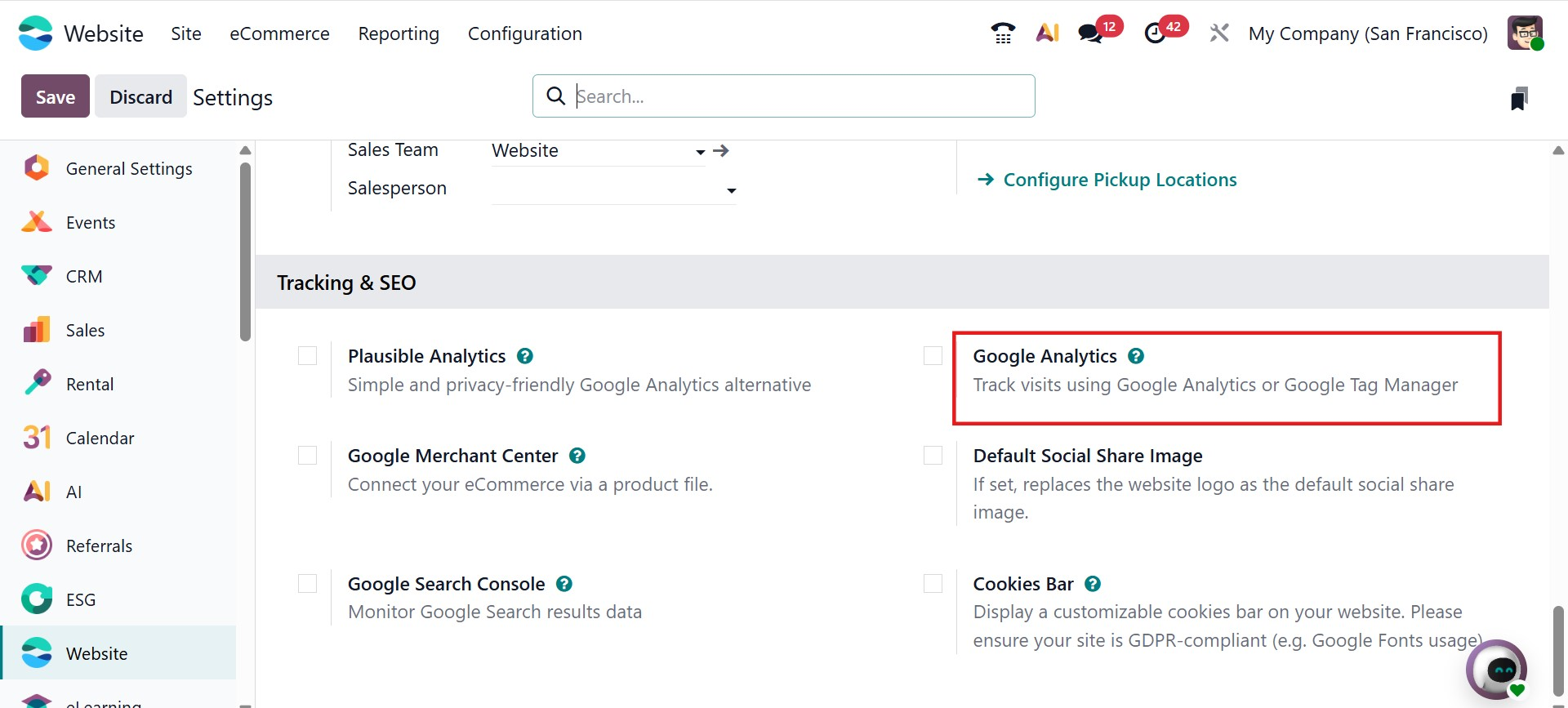
To use this functionality, you must first configure an analytics service such as Google Analytics or Plausible Analytics. Integration can be activated from the Settings menu of the Website module by enabling the appropriate tracking option and entering the required tracking credentials. Once connected, Odoo 19 begins collecting and synchronizing website activity data.
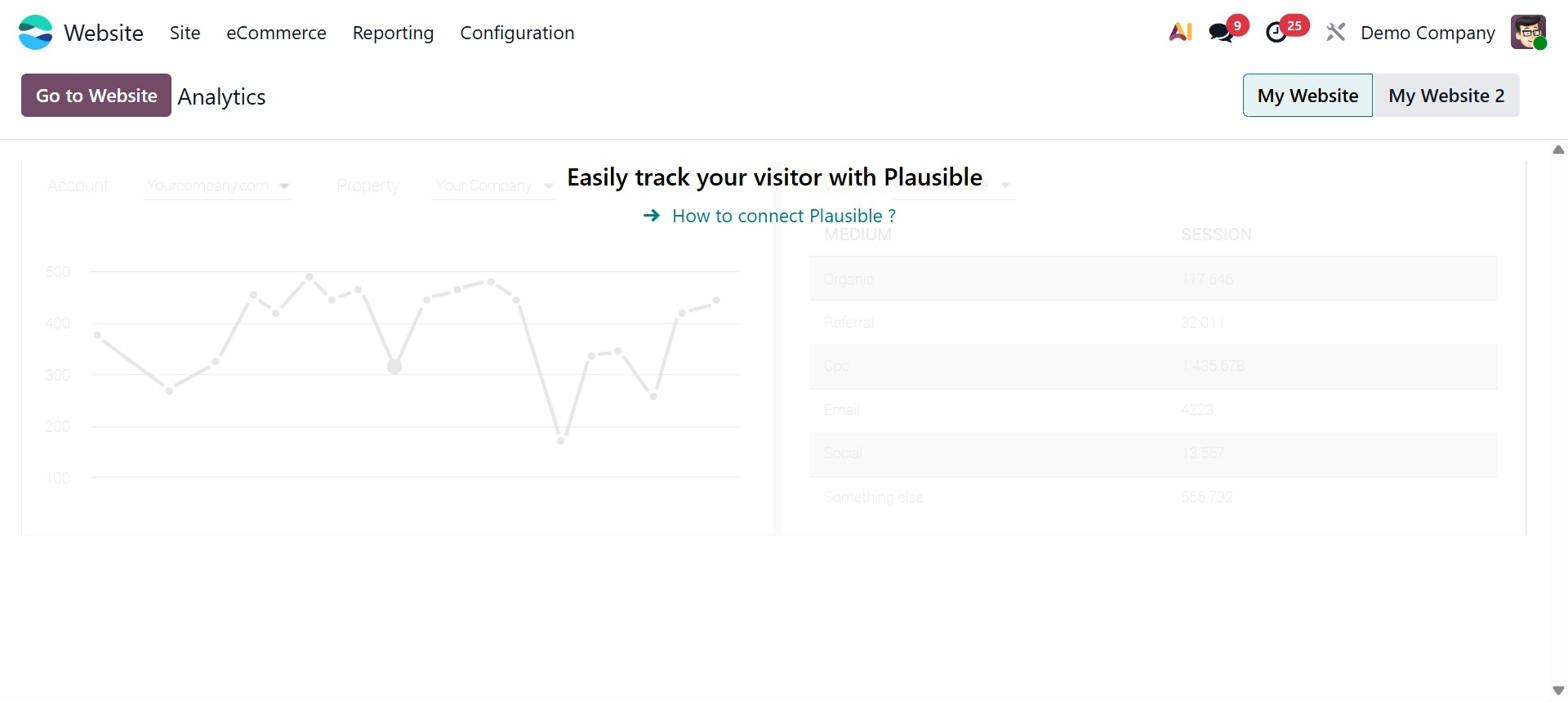
All analytical insights are accessible through the Reporting → Analytics section. The analytical dashboard presents structured data in graphical and statistical formats, allowing you to review visitor trends over different time periods such as weekly, monthly, or yearly intervals. These visual reports provide a comprehensive overview of website traffic behavior, helping businesses make informed decisions to improve online engagement and marketing strategies.
1.2 Visitors
The Visitors menu, located under the Reporting section of the Website module, provides detailed information about individuals who access your website. This feature ensures comprehensive tracking of visitor interactions and engagement history.
In the Visitors window, each visitor is listed with essential details, including the number of visits, the last visited page, associated leads or opportunities, and connection status. If a visitor’s contact information already exists in the system, their name will be displayed. Otherwise, they will appear as an anonymous website visitor until identified.
Odoo 19 also enables direct communication with identified visitors. When contact details are available, you can initiate communication via email or SMS directly from the visitor record. This feature enhances customer engagement and supports lead nurturing activities.
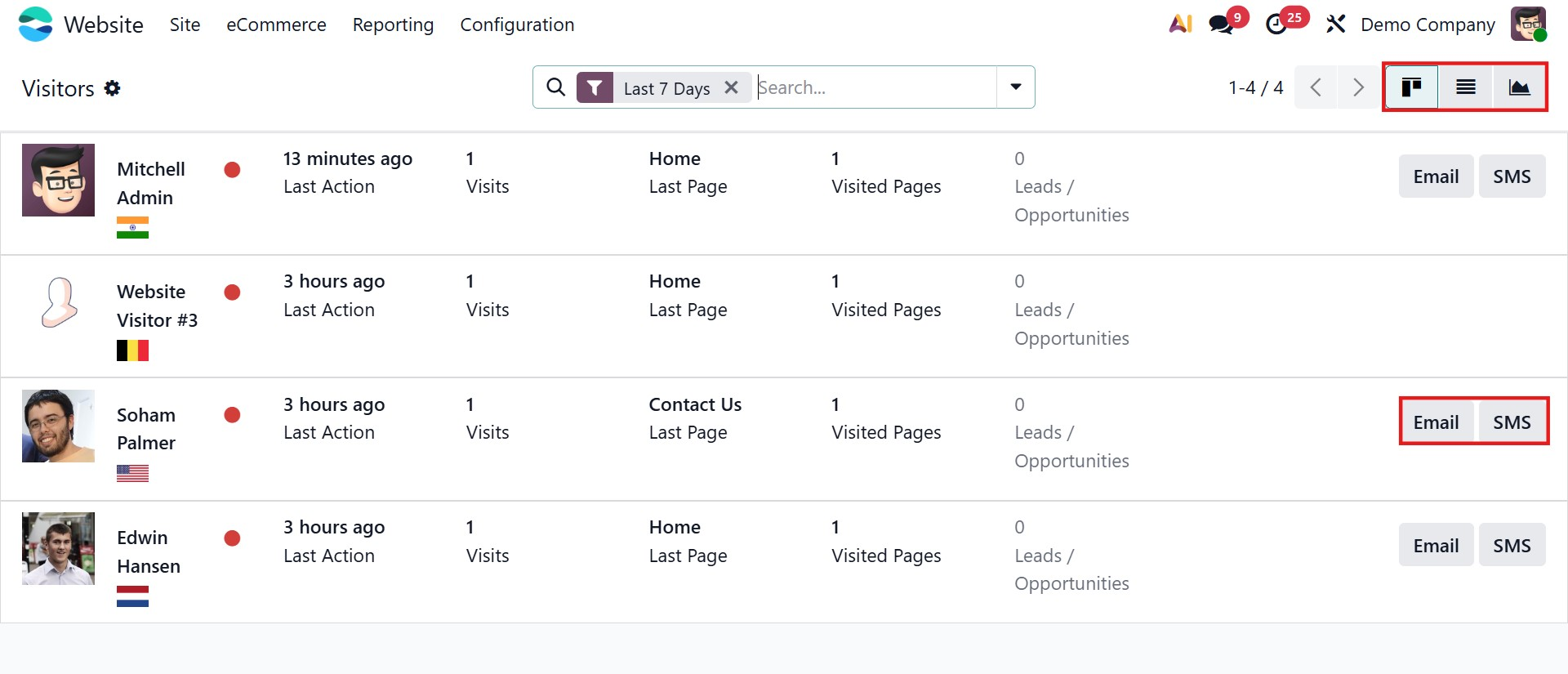
The Visitors data can be viewed in Kanban, List, or Graph formats. View options are available in the upper-left corner of the window. Additionally, the Filters and Group By menus allow further customization of data display. Default filters may include options such as Last 7 Days, Unregistered, Leads, Contacts, Connected, Available, In Conversation, Push Notifications On/Off, and Archived.
Under the Group By option, you can categorize visitor data by Country, Time Zone, Language, Website, First Connection, Last Connection, or number of Visits. These grouping tools simplify data analysis and help identify patterns in visitor behavior.
1.3 Page Views
The Page Views option under the Reporting tab allows you to track every page visited on your website. This feature provides detailed records of visitor navigation activity, including the visitor name (if identified), the page viewed, the URL accessed, the associated product (if applicable), and the date of the visit.
Page View data can be displayed in List or Graph view, allowing flexible analysis depending on reporting needs. The List view presents structured tabular data, while the Graph view provides visual insights into traffic patterns and page popularity.
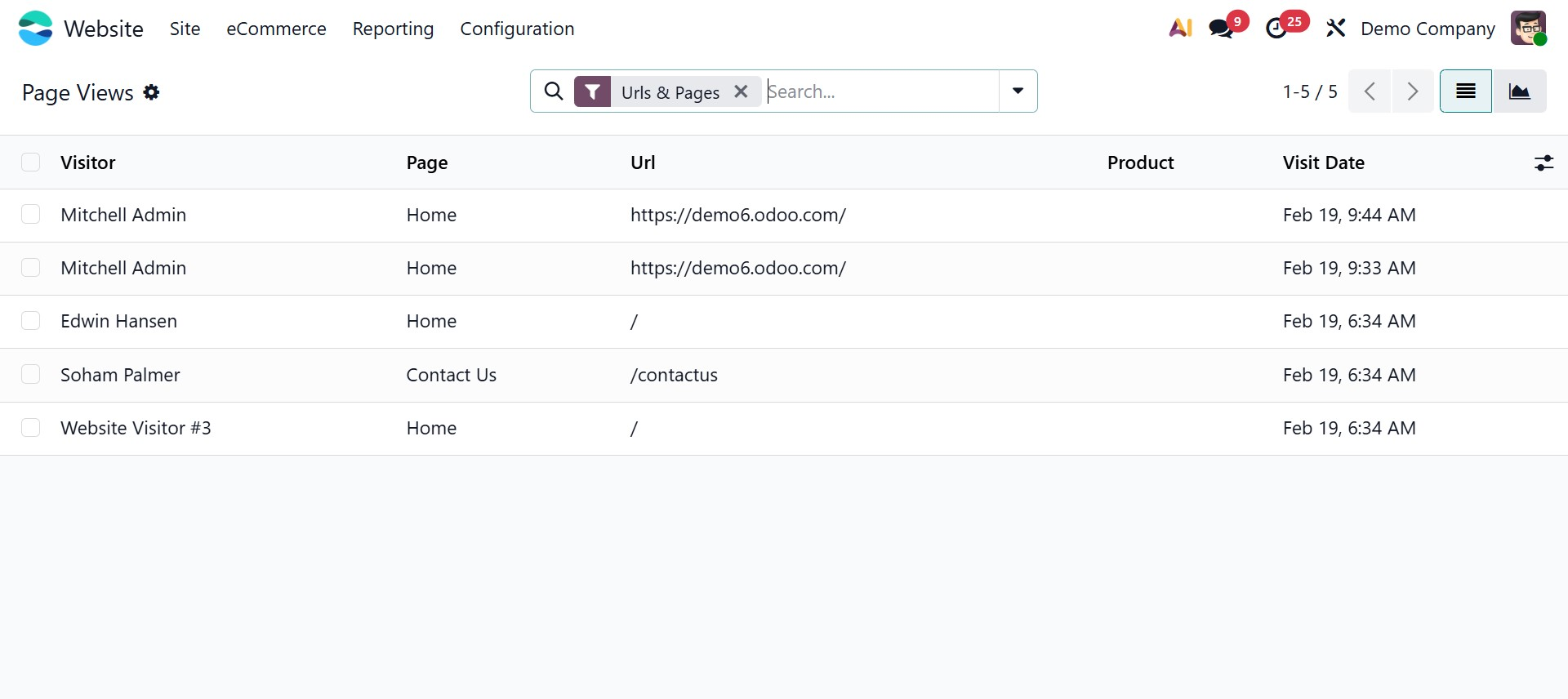
You can apply various filters and grouping options to refine the displayed information. Default filters typically include Pages, URL & Pages, and Products. The Group By menu allows categorization based on Visitor, Page, URL, Product, or Visit Date. These options help streamline data organization and enable businesses to evaluate which pages or products attract the most engagement.