Signature
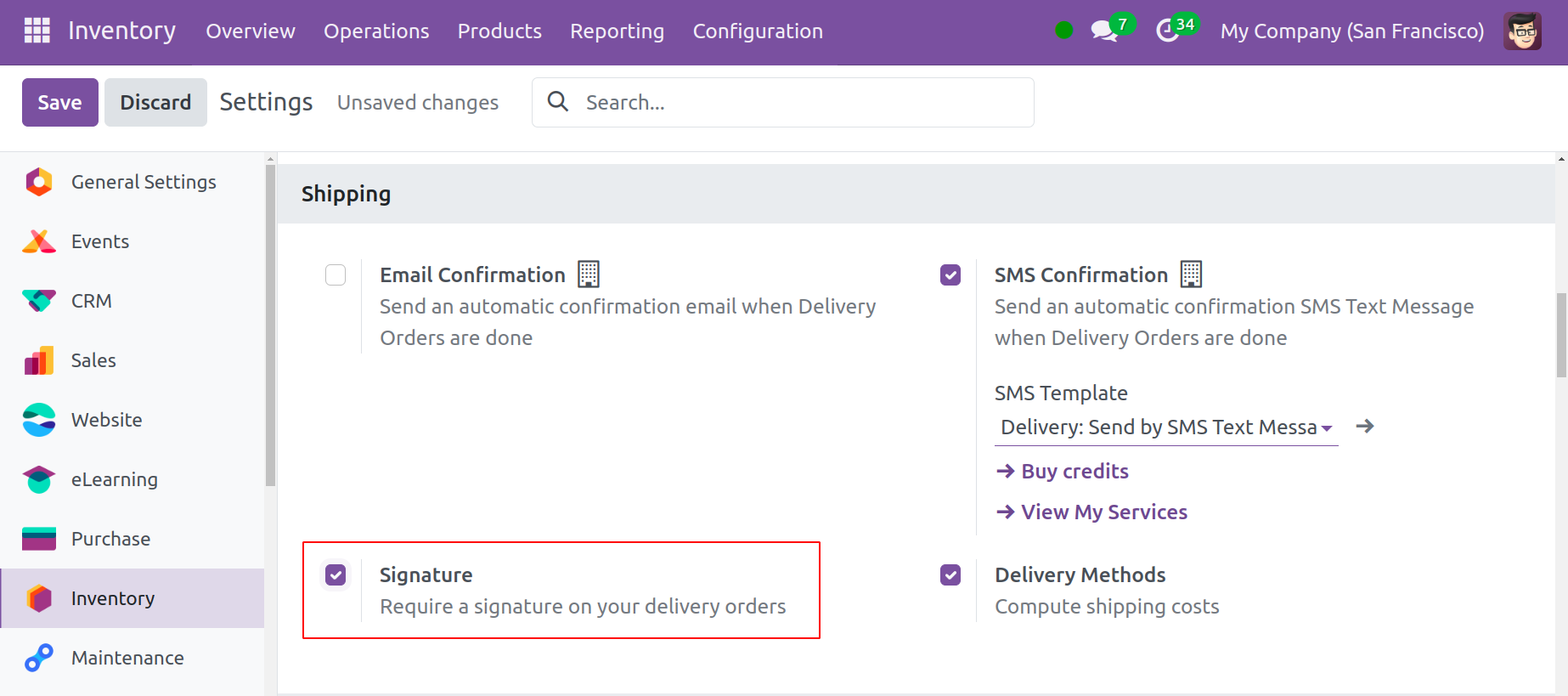
You can require a signature from the customer after they receive the merchandise by using the Signature option. You may effectively verify the product delivery in this method. From the Configuration menu, select "Settings" to activate this option. Turn on the Signature option in the "Shipping" menu.
The Sign button will appear as soon as you confirm a delivery order, as seen below.
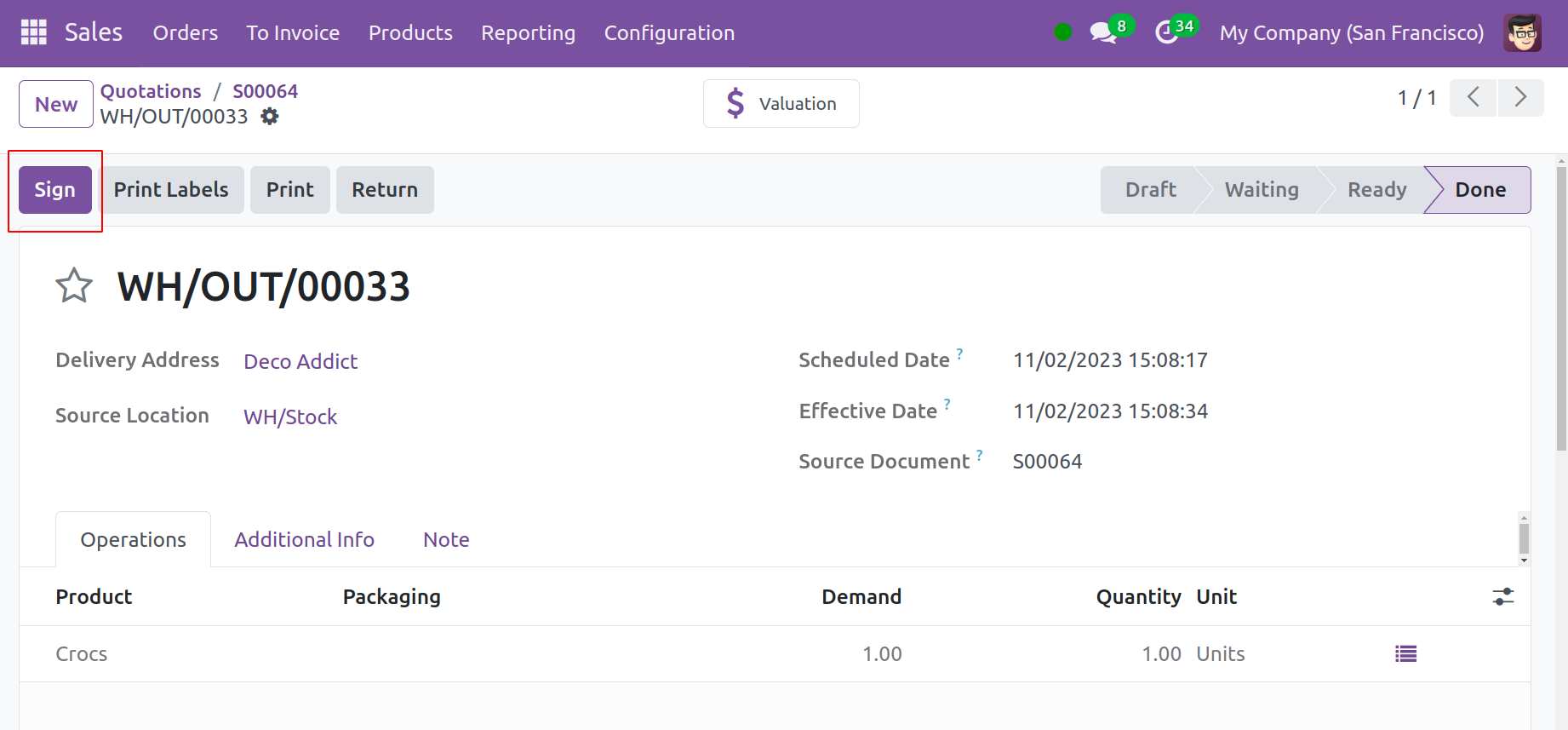
To capture your handwritten, automatically generated, or uploaded signature, click "Sign."
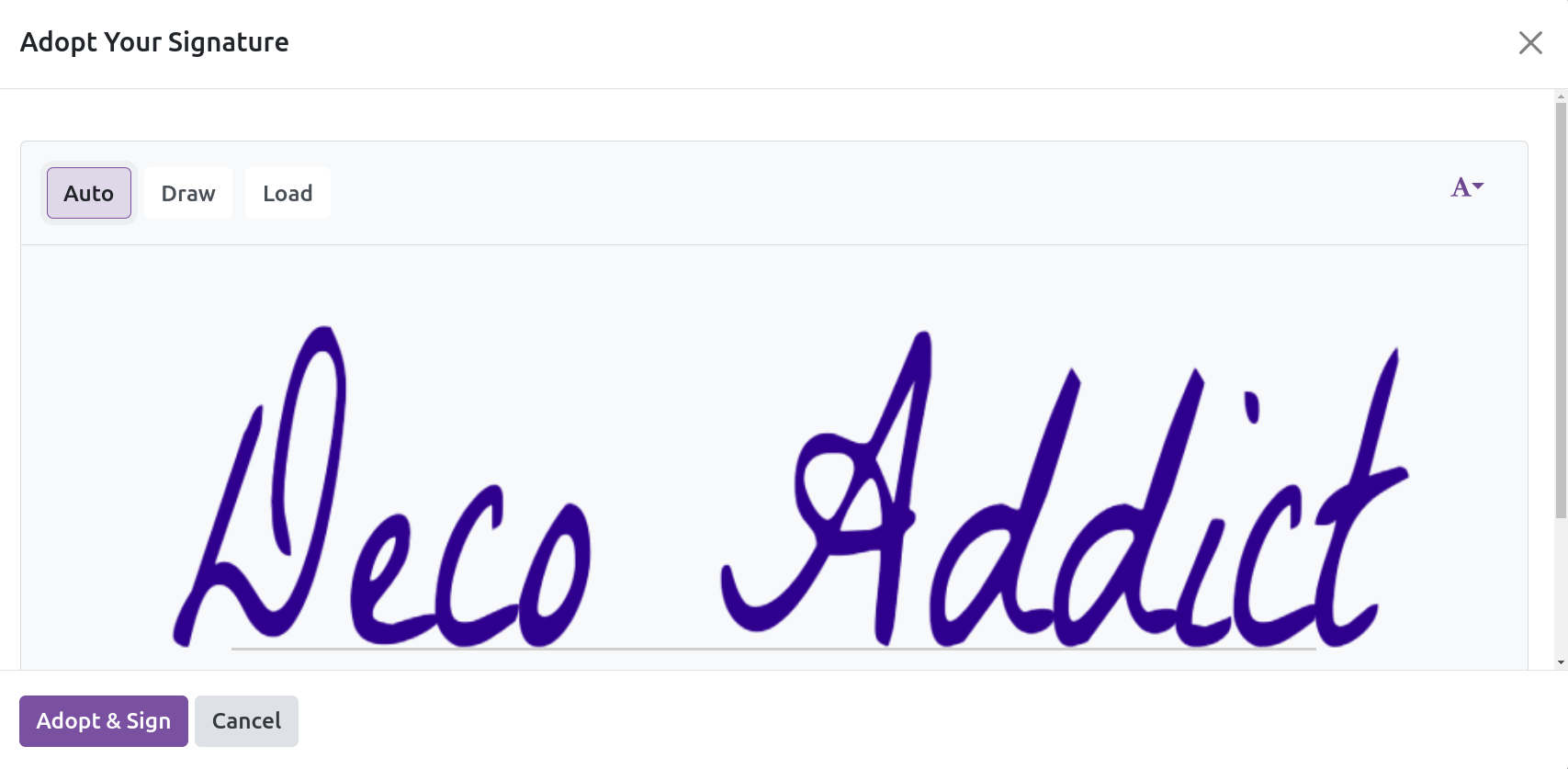
Click "Adopt & Sign" once you have added your signature.